
The best way to configure your VBOX 3i is to use the VBOX Setup Software. You can download the VBOX Setup software here.
Alternatively, you can also configure some settings with the VBOX Manager. You can find an overview of the available settings on a VBOX Manager connected to a VBOX 3i here.
NOTE
The connection between the VBOX unit and the computer should be made via USB or Bluetooth for optimum performance.
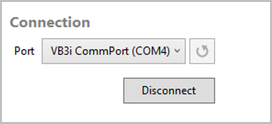
When VBOX 3i is physically connected and powered, open the VBOX Setup software and use the drop-down list to select the COM port that VBOX 3i unit is connected to. Click Connect and VBOX Setup will open the setup screen for your VBOX 3i.
NOTE
You may see an auto-detect message if you have changed the baud rate from the default value. Click Yes to allow the different baud rates to be scanned.
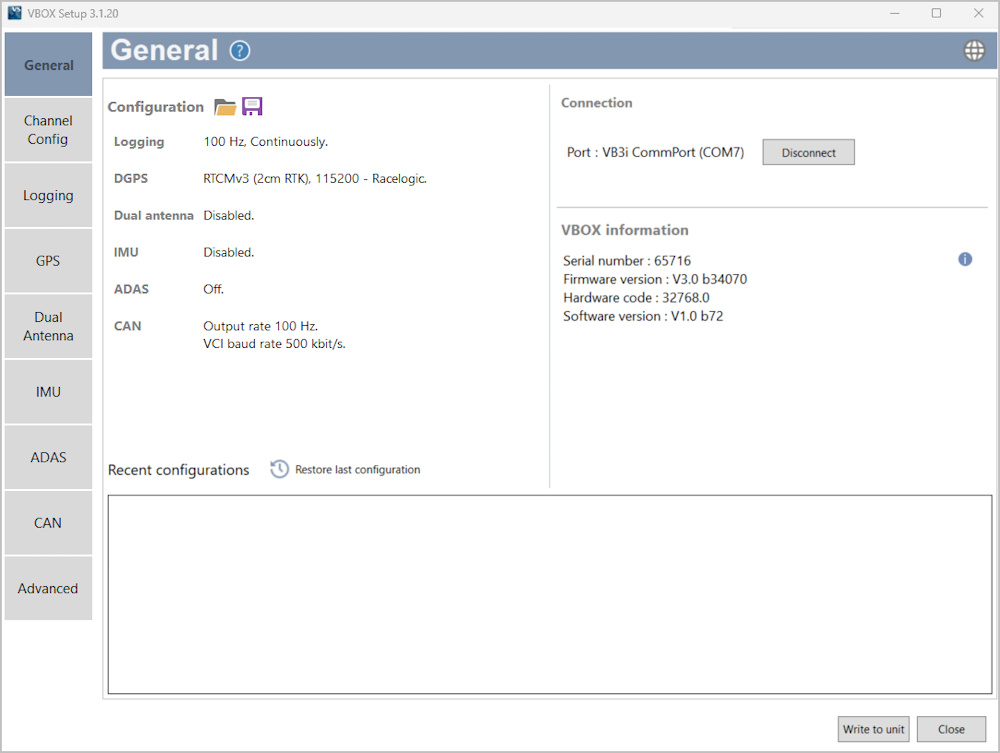
The menu buttons in the sidebar allows you to select between the different settings menus. Click the buttons to change the menu.

The menu buttons in the sidebar allows you to select between the different settings menus. Click the buttons to change the menu.

Displays the title of the currently selected menu.

Displays the title of the currently selected menu.

Depending on which menu you have open, the question mark icon will open up the corresponding User Guide page within the Racelogic Support Centre.

Depending on which menu you have open, the question mark icon will open up the corresponding User Guide page within the Racelogic Support Centre.

Change the operating language.

Change the operating language.

The white area in the application window contains all the settings. These will vary depending on the selected menu.
After making changes to the setup, you must press the Write to unit button to make sure that the settings are uploaded to the connected VBOX unit.

After making changes to the setup, you must press the Write to unit button to make sure that the settings are uploaded to the connected VBOX unit.

Closes the software, if changes have not been saved to the unit, you will be prompted to save the settings.

Closes the software, if changes have not been saved to the unit, you will be prompted to save the settings.

The sidebar enables you to switch between the different settings menus.