
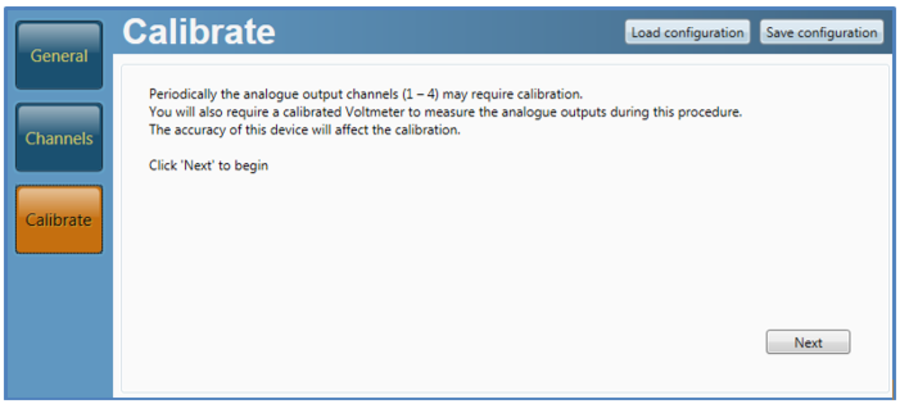
To re-calibrate the four analogue outputs, select this option. Please note a voltmeter will be needed to complete this procedure.
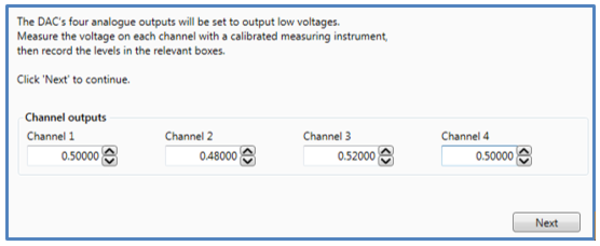
The DAC01 will first output a low voltage on each channel, measure the voltage and enter the individual values.
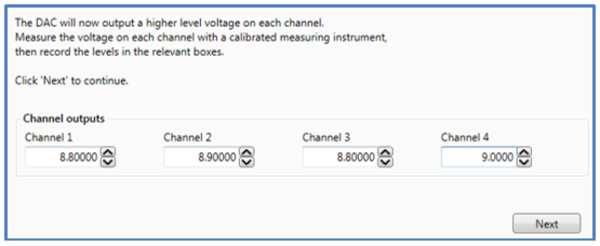
In the next step, the DAC01 will output higher voltages. Again, these needs to be measured and the values entered.
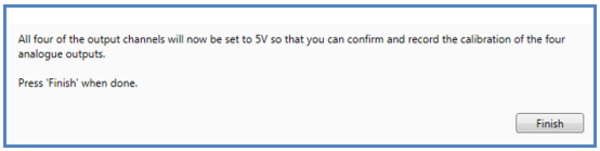
The DAC01 will then output 5 V on each channel. This is the end of the calibration procedure.
If an official certificate of conformity is required, please contact support@racelogic.co.uk or your local dealer.