
In the Serial menu in VBOX Setup, you can configure the format, content and data rate of the serial stream transmitted by VBOX Omega.
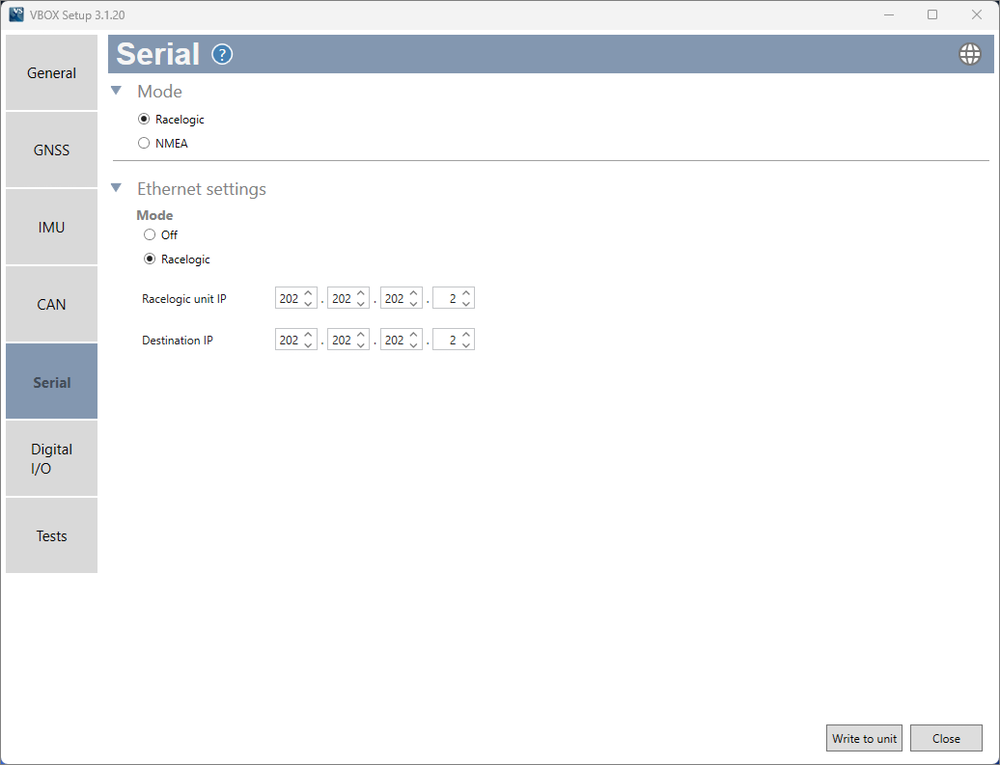
This selects which format VBOX Omega will use to output Serial data.
Racelogic - For Serial communication with other Racelogic products.
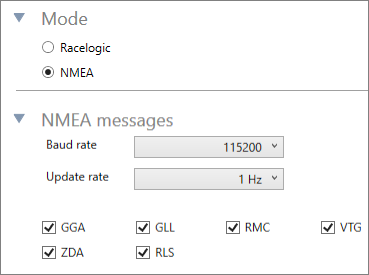
NMEA - For user-defined NMEA message (GGA) output including message type, baud rate and update rate.
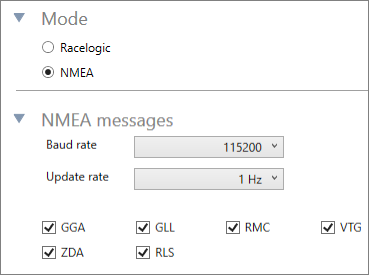
This selects which format VBOX Omega will use to output Serial data.
Racelogic - For Serial communication with other Racelogic products.
NMEA - For user-defined NMEA message (GGA) output including message type, baud rate and update rate.
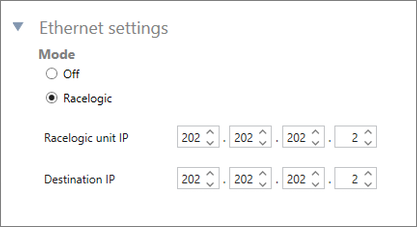
Ethernet is switched off.
This setting outputs Racelogic proprietary ethernet protocol at the same rate as CAN output.
Note: this setting will enable all CAN IDs and set CAN Output Baud Rate to 1 Mbit/s.
This is the IP address of your VBOX Omega unit. In this setting, you can change the IP address, which is stored in the unit's memory.
This is the IP address of the ethernet device that you are transmitting to. It is a static IP that you can change and that is stored in the unit's memory.