
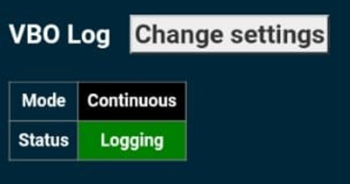
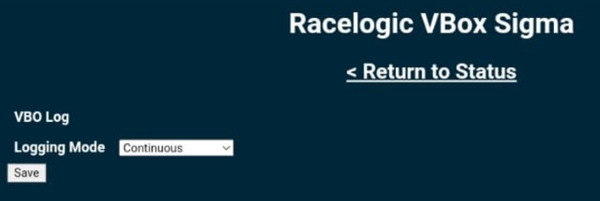
By default, VBOX Sigma will start logging as soon as a valid SD card is inserted in to the bottom of the unit. Alternatively, the unit can be programmed to log once movement is detected (>0.5 km/h) by visiting the VBO Log Settings area of the Wi-Fi hotspot configuration interface, selecting 'Change settings', choosing the required option from the dropdown and then clicking on 'Save'.
Logging can also be started/stopped using the Square Button on the front of the unit.
The current logging status is shown on the Home Display Screen of the unit.