IMPORTANT
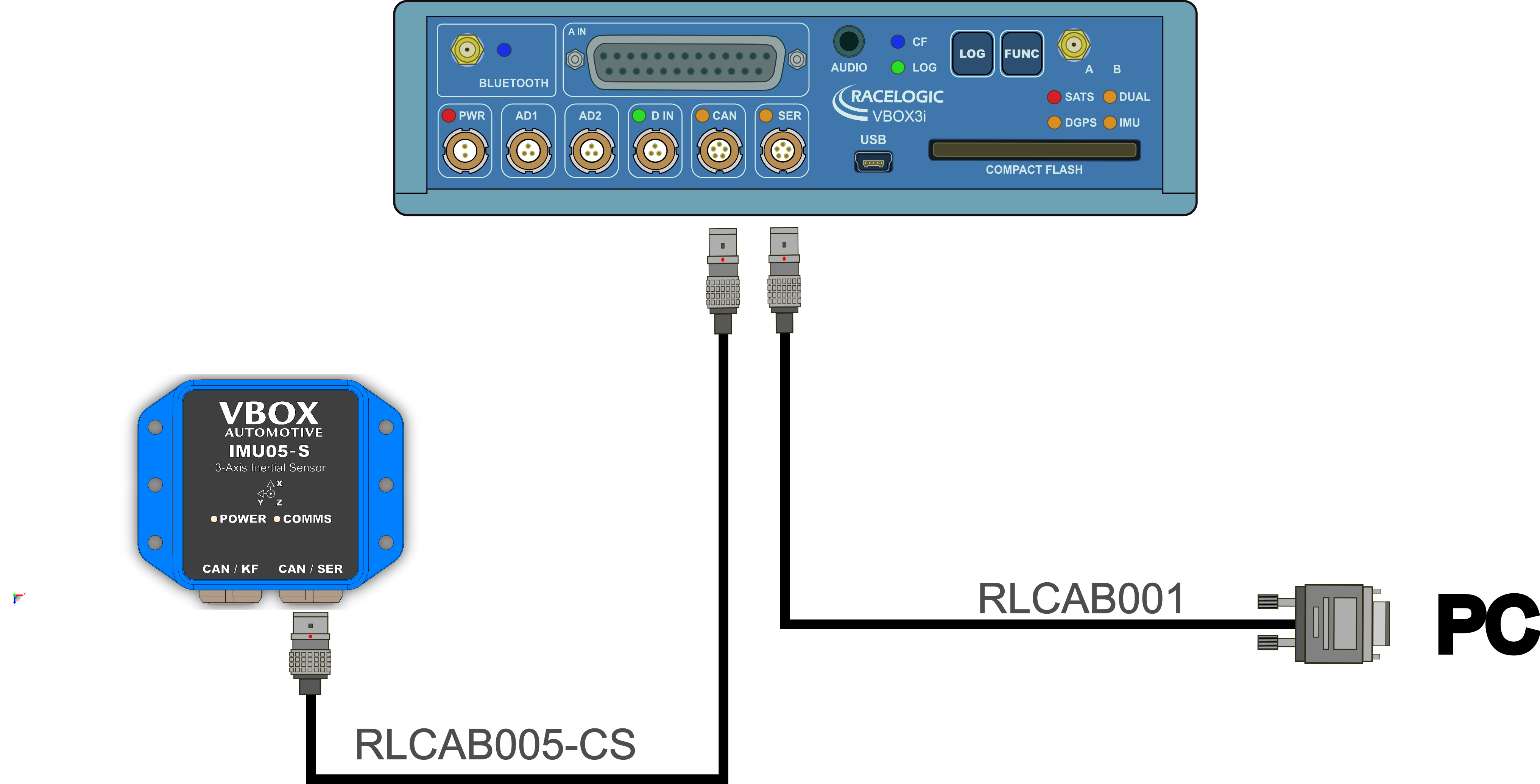
CAN-based coms from IMU05 and IMU05-S are not supported by the Kalman Filter. This means that the RLCAB005-CS connection method can only be used to log IMU05 or IMU05-S data channels.
See the following links for important information about mounting and Kalman Filter calibration:
- VBOX unit.
- Power cable or battery pack for the VBOX unit.
- IMU05 / IMU05-S unit
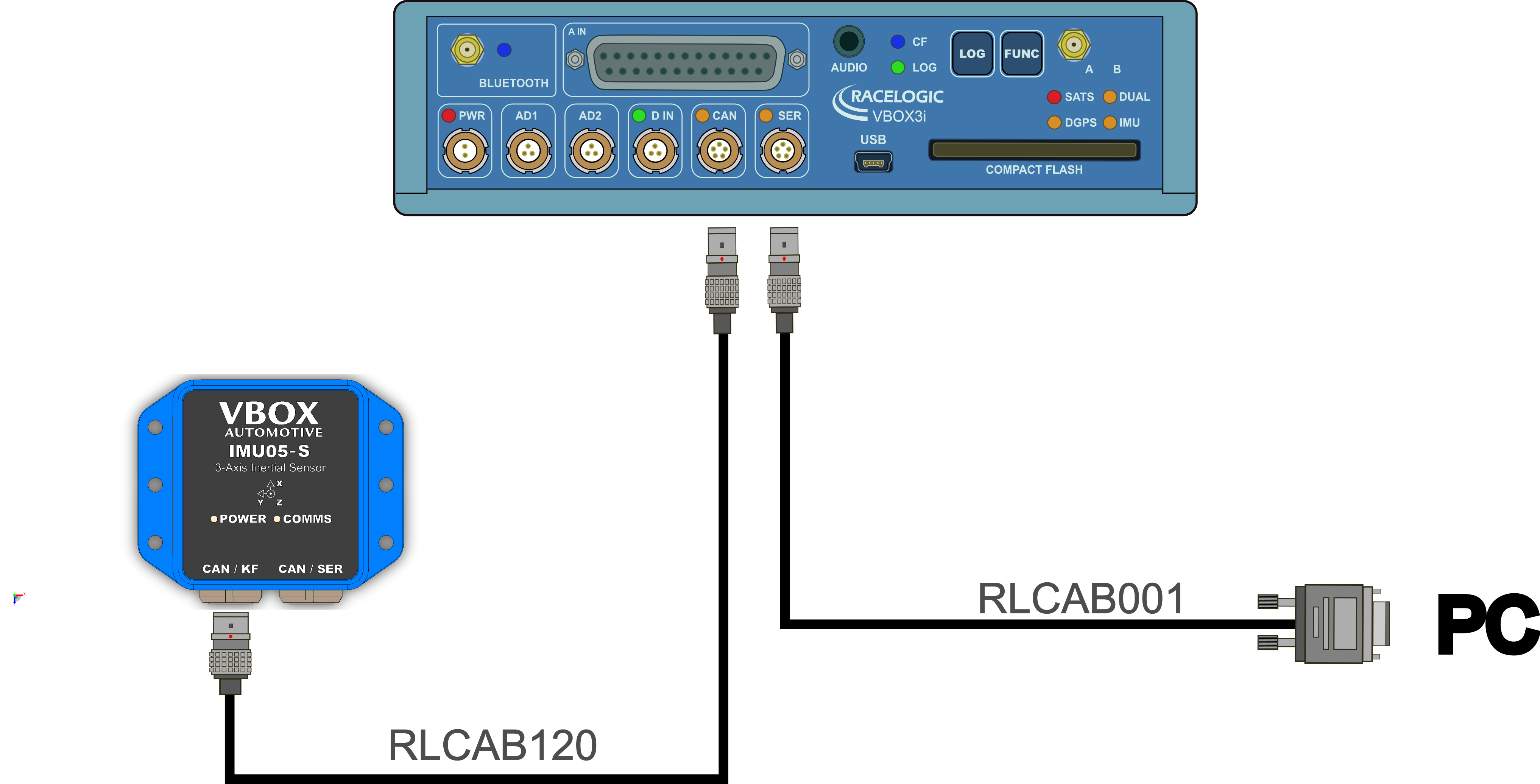
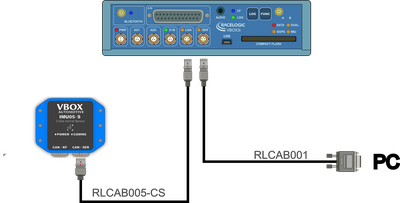
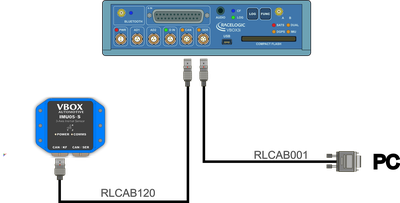
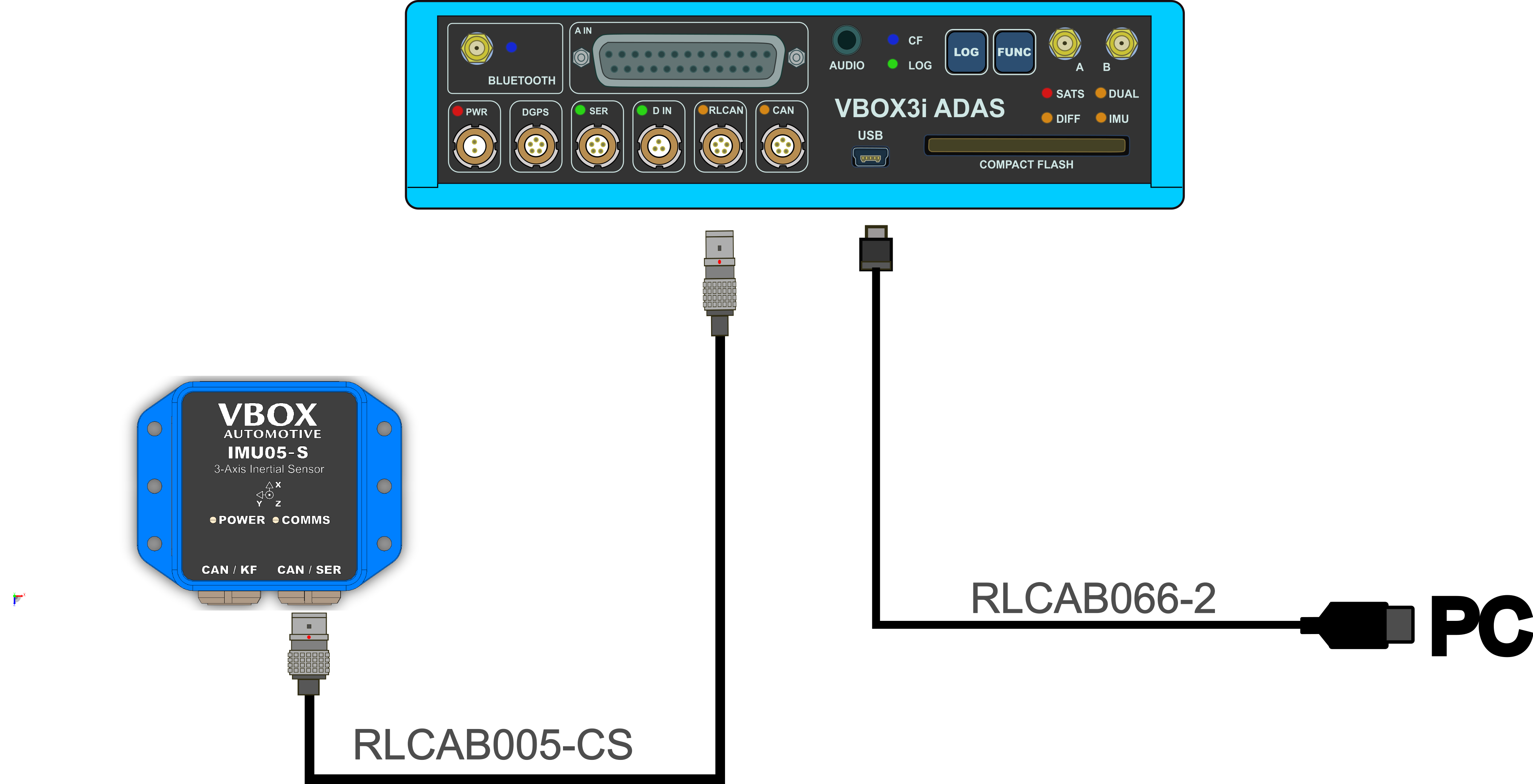
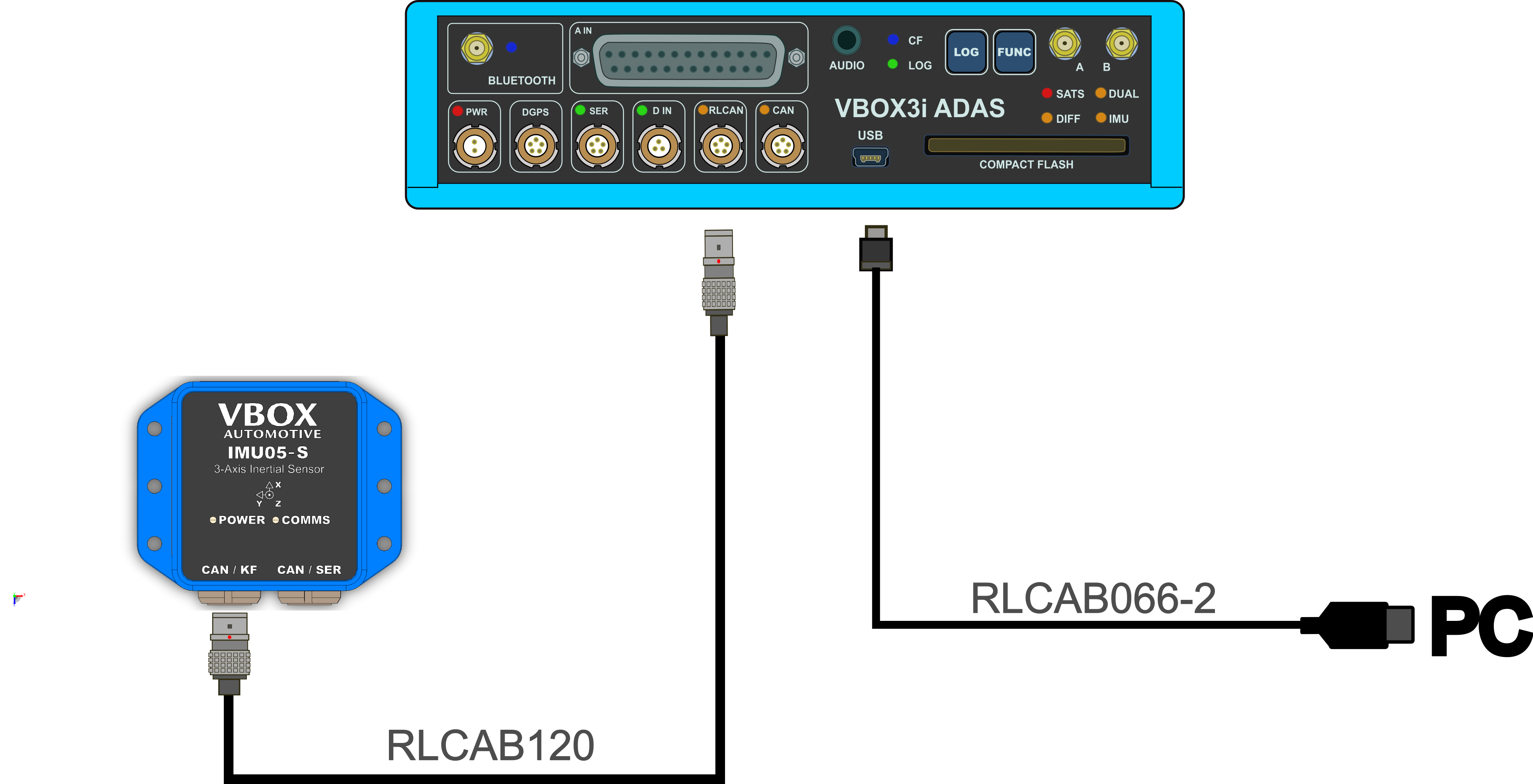
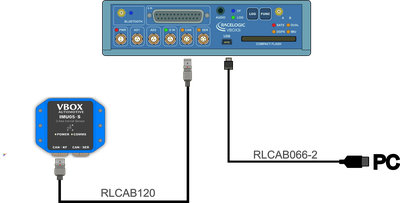
- RLCAB005-CS (for use with 5 PIN CAN / SER port on IMU05-S) or RLCAB120 (for use with 6 PIN CAN / KF port on IMU05-S)
- VBOX Setup
- RLCAB001 / RLCAB066-2 - VBOX 3i PC connection cable (RS232 or USB)
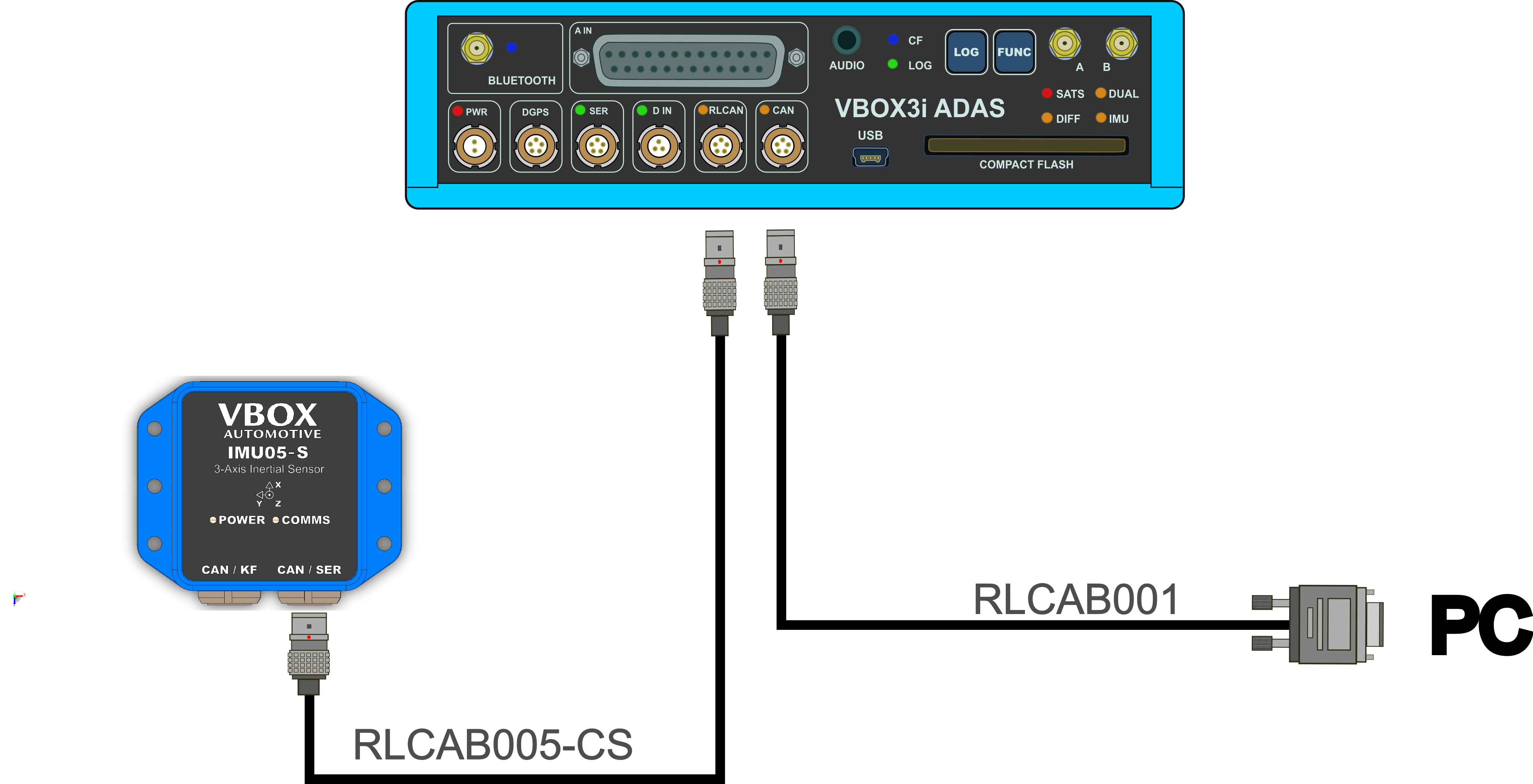
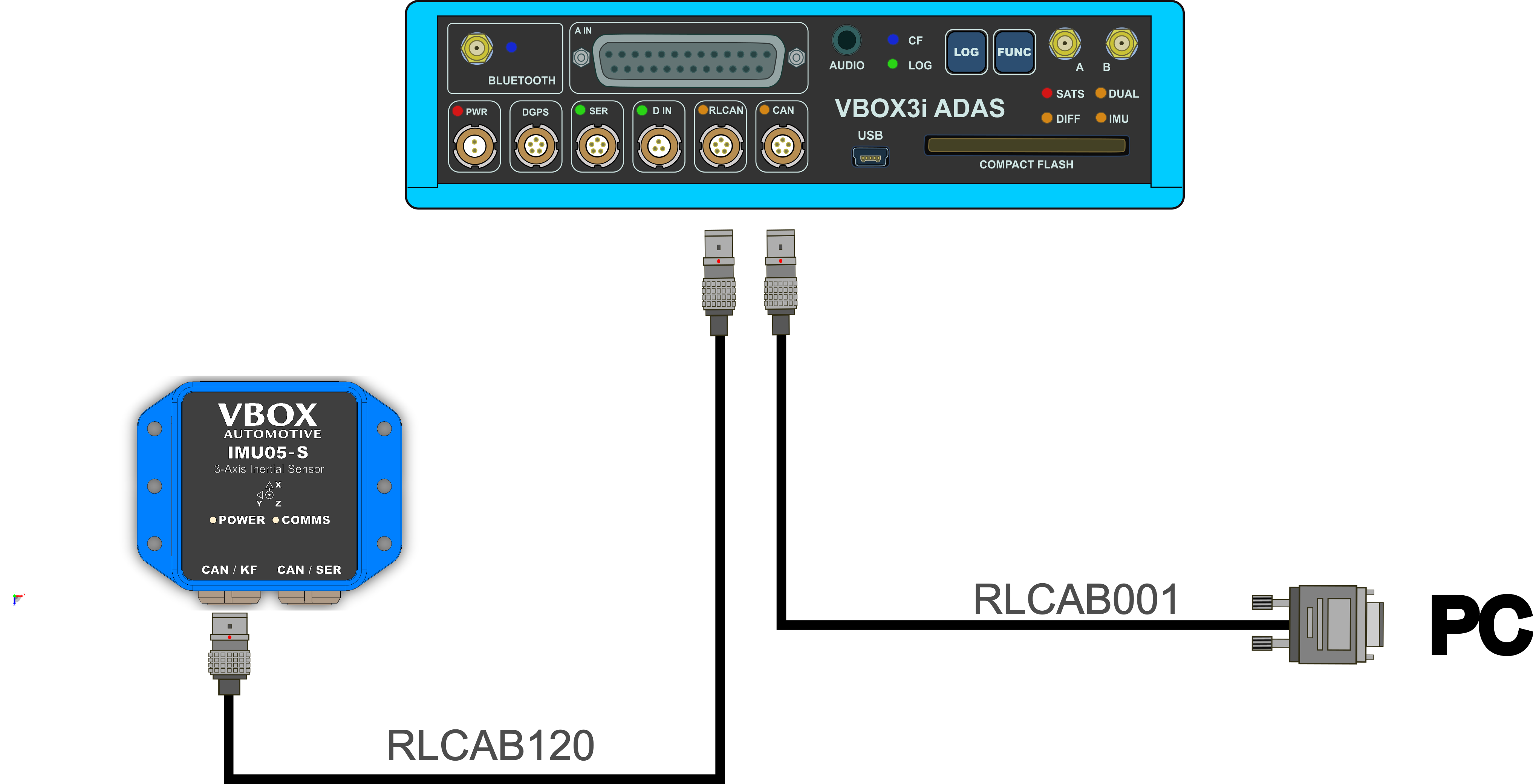
- Connect the IMU unit to the VBOX unit with RLCAB005-CS or RLCAB120 cable.
- Connect the VBOX unit to a PC with an RLAB001 or RLCAB066-2 cable (RS232 or USB).
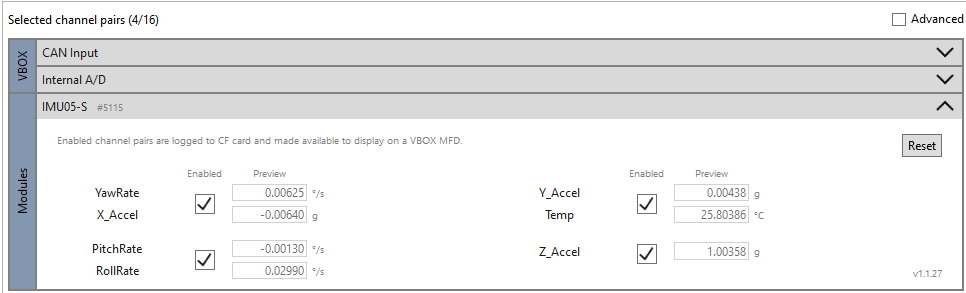
- Open VBOX Setup and connect to the VBOX unit by selecting the relevant COM Port.
- Open the Channel Config menu.
- The IMU Attitude channels will automatically be logged but:
- If you want to view the CAN data live, you must have a multi-functional display (e.g. MFD Touch) connected and tick the Send to MFD box for the relevant channels.
- If you want to display the IMU Attitude data as a Live Serial data display, and you are using an alternative software to VBOX Test Suite, you must tick the Advanced box in the top right corner of VBOX Setup and tick the Send over serial box for the relevant channels.
Depending on the hardware you are using, you have multiple options for your hardware connections. Click on the VBOX unit you are using in the list below to see the connection diagrams available for your setup.
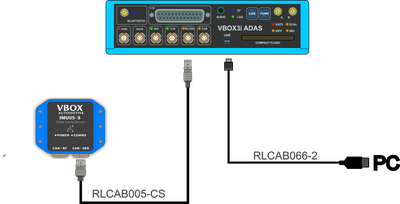
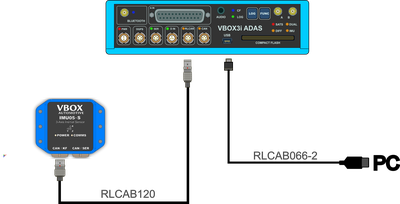
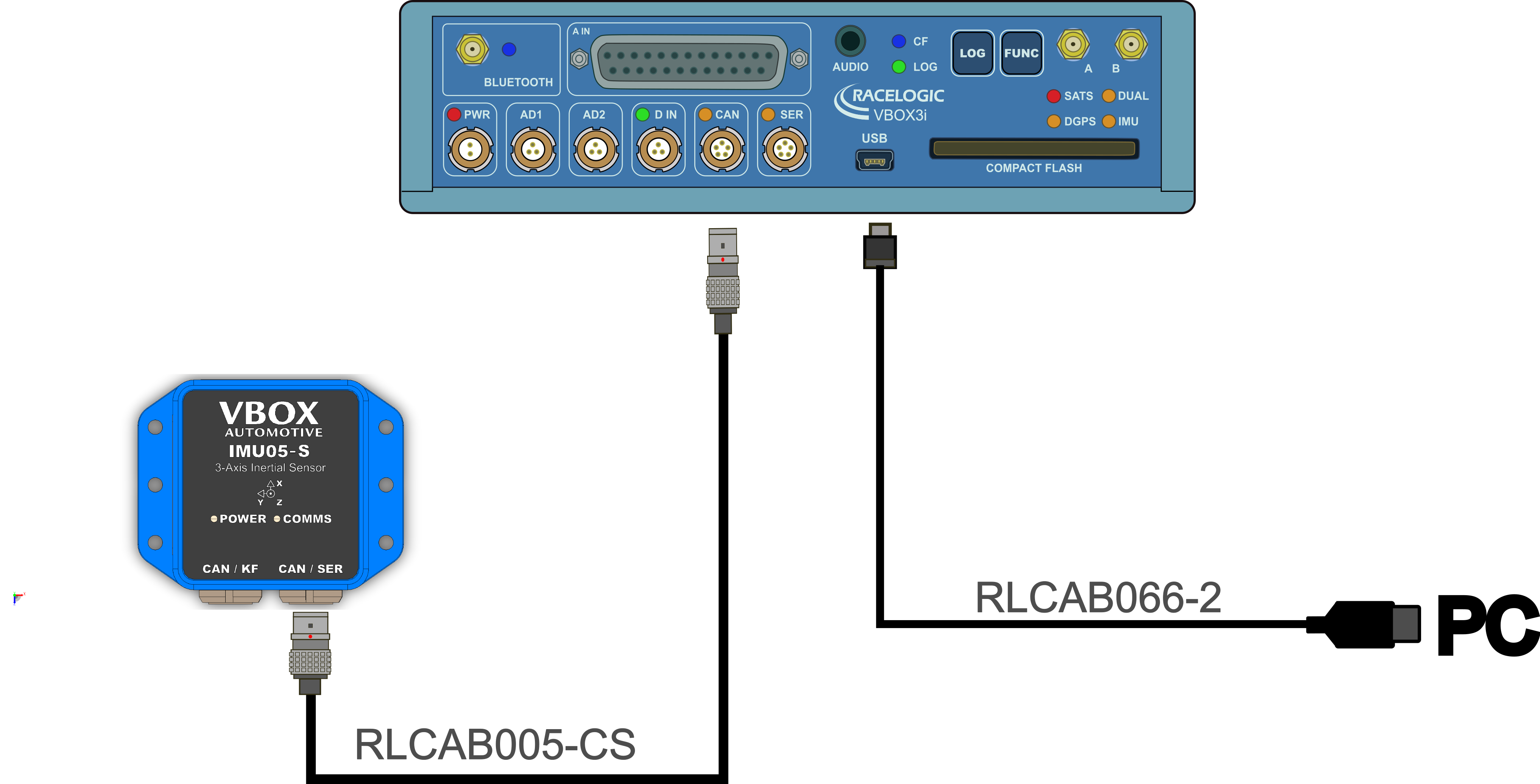
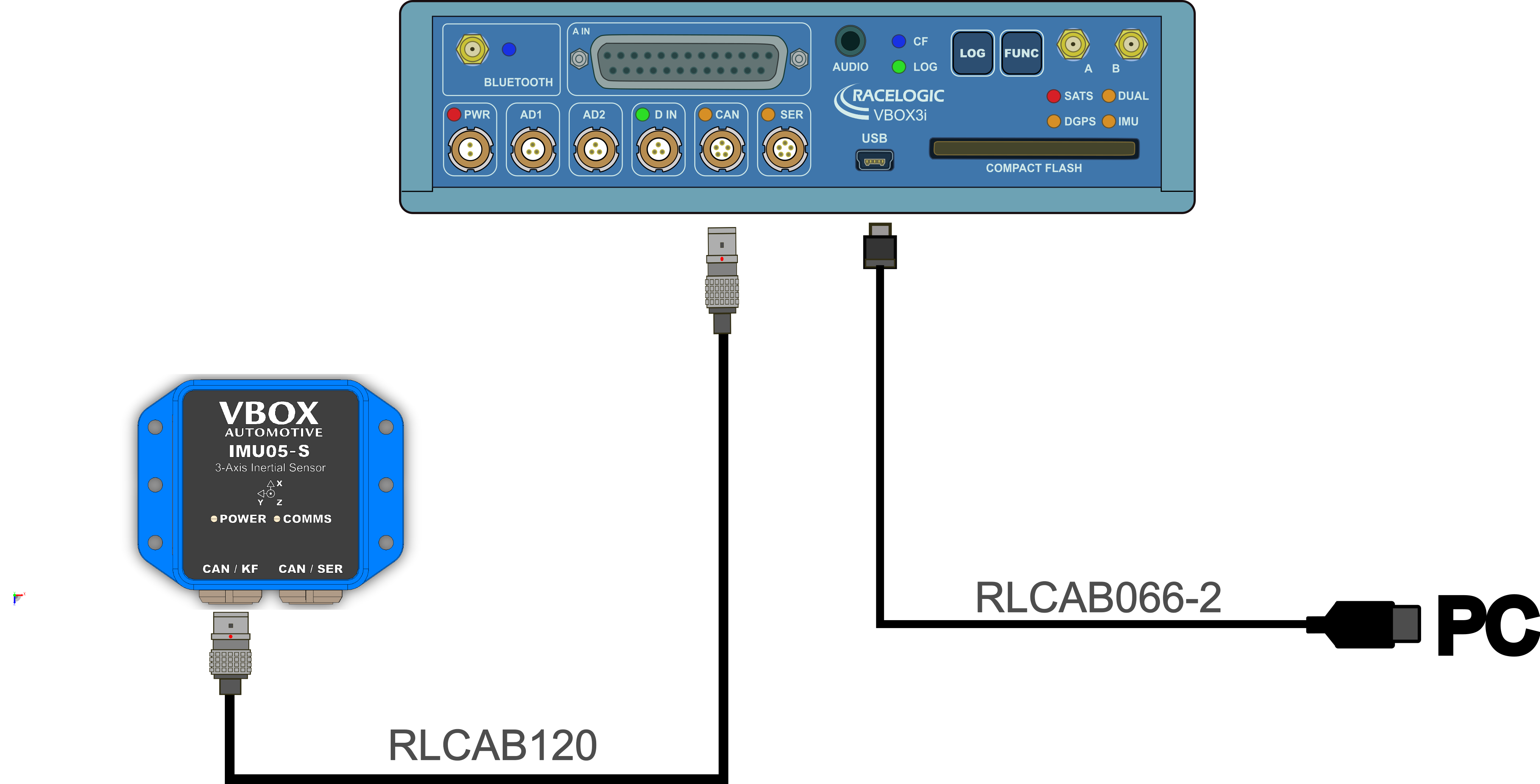
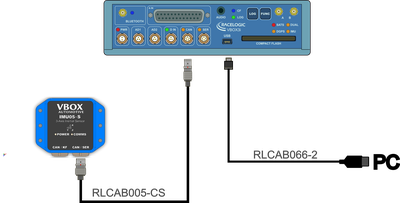
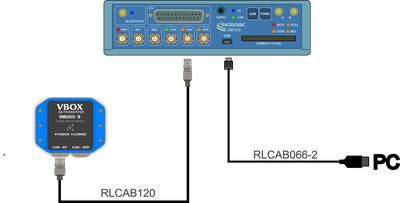
RLCAB066-2 with RLCAB005-CS OR RLCAB120
If you are using the RLCAB066-2 to connect to your PC you can either use the RLCAB005-CS or the RLCAB120 to connect your IMU05 or IMU05-S to the VBOX unit.
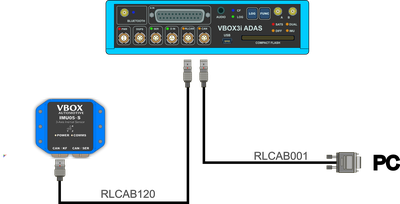
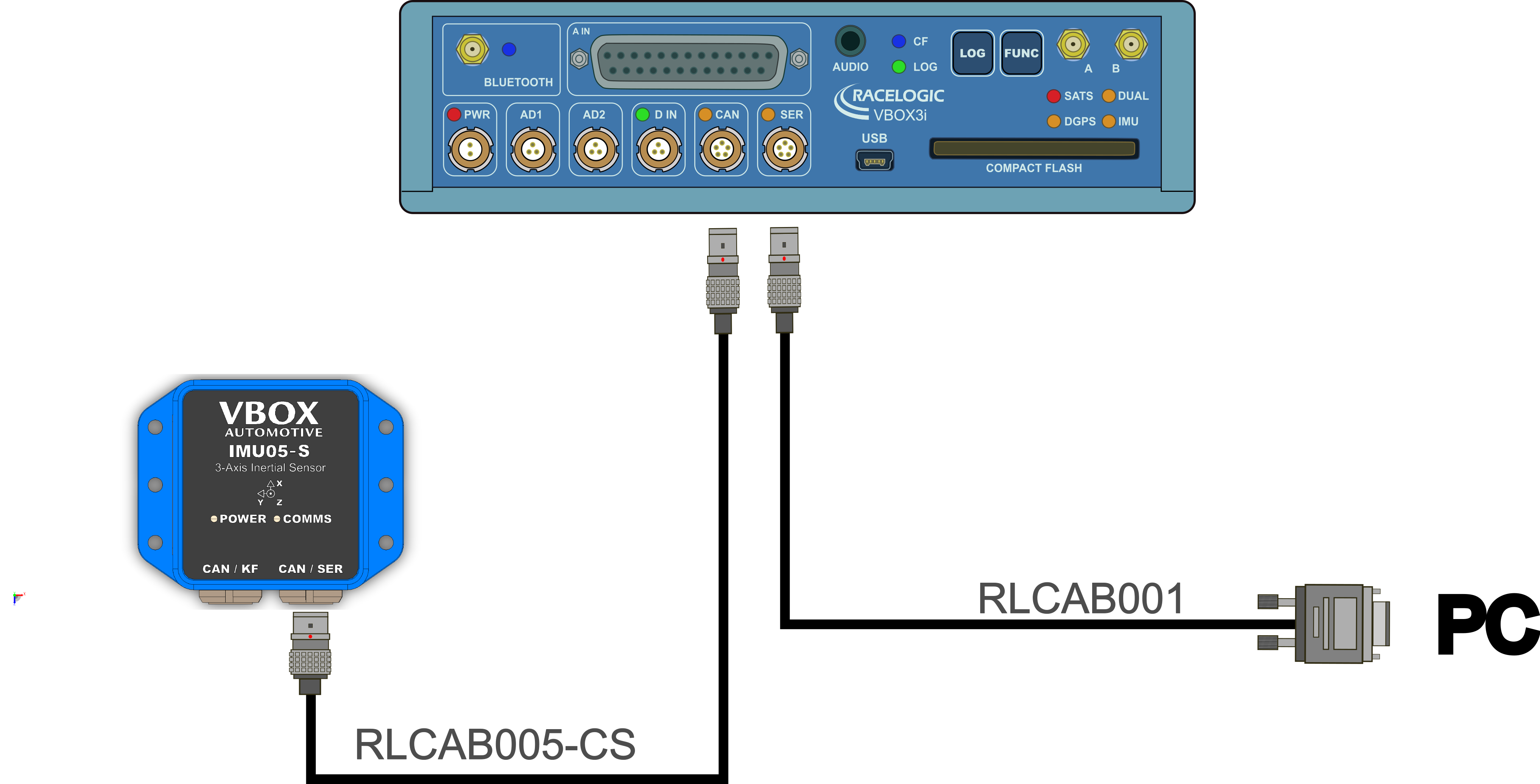
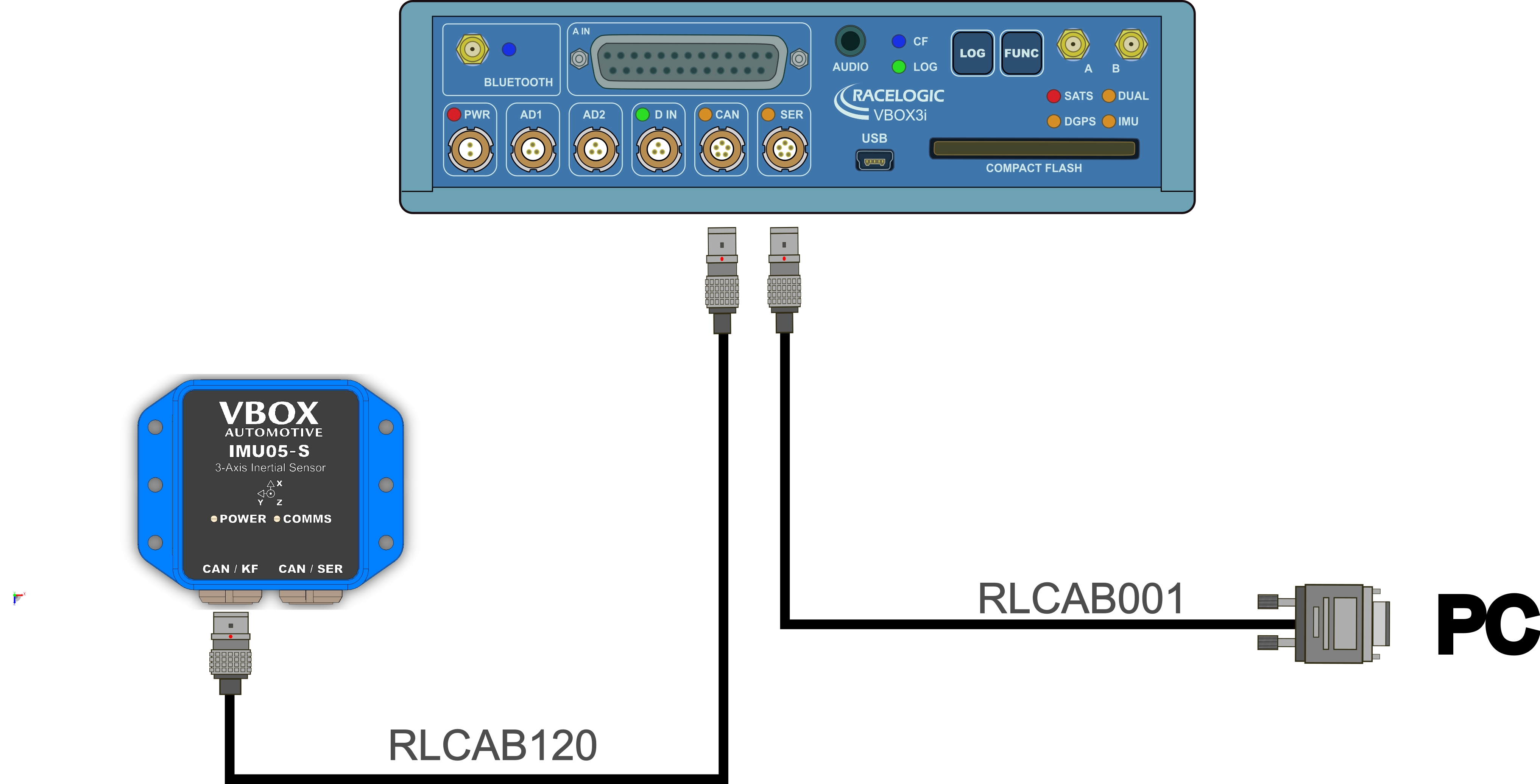
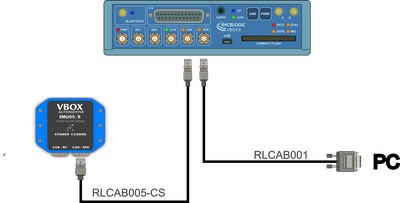
RLCAB001 with RLCAB005-CS OR RLCAB120
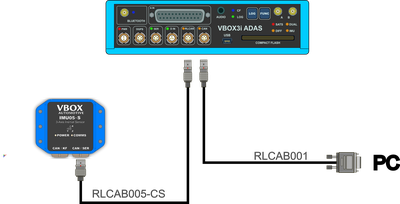
If you are using the RLCAB001 to connect to your PC you can either use the RLCAB005-CS or the RLCAB120 to connect your IMU05 or IMU05-S to the VBOX unit.
RLCAB066-2 with RLCAB005-CS OR RLCAB120
If you are using the RLCAB066-2 to connect to your PC you can either use the RLCAB005-CS or the RLCAB120 to connect your IMU05 or IMU05-S to the VBOX unit.
RLCAB001 with RLCAB005-CS OR RLCAB120
If you are using the RLCAB001 to connect to your PC you can either use the RLCAB005-CS or the RLCAB120 to connect your IMU05 or IMU05-S to the VBOX unit.
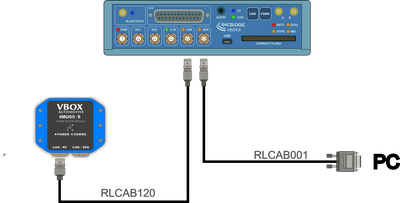
RLCAB066-2 with RLCAB005-CS OR RLCAB120
If you are using the RLCAB066-2 to connect to your PC you can either use the RLCAB005-CS or the RLCAB120 to connect your IMU05 or IMU05-S to the VBOX unit.
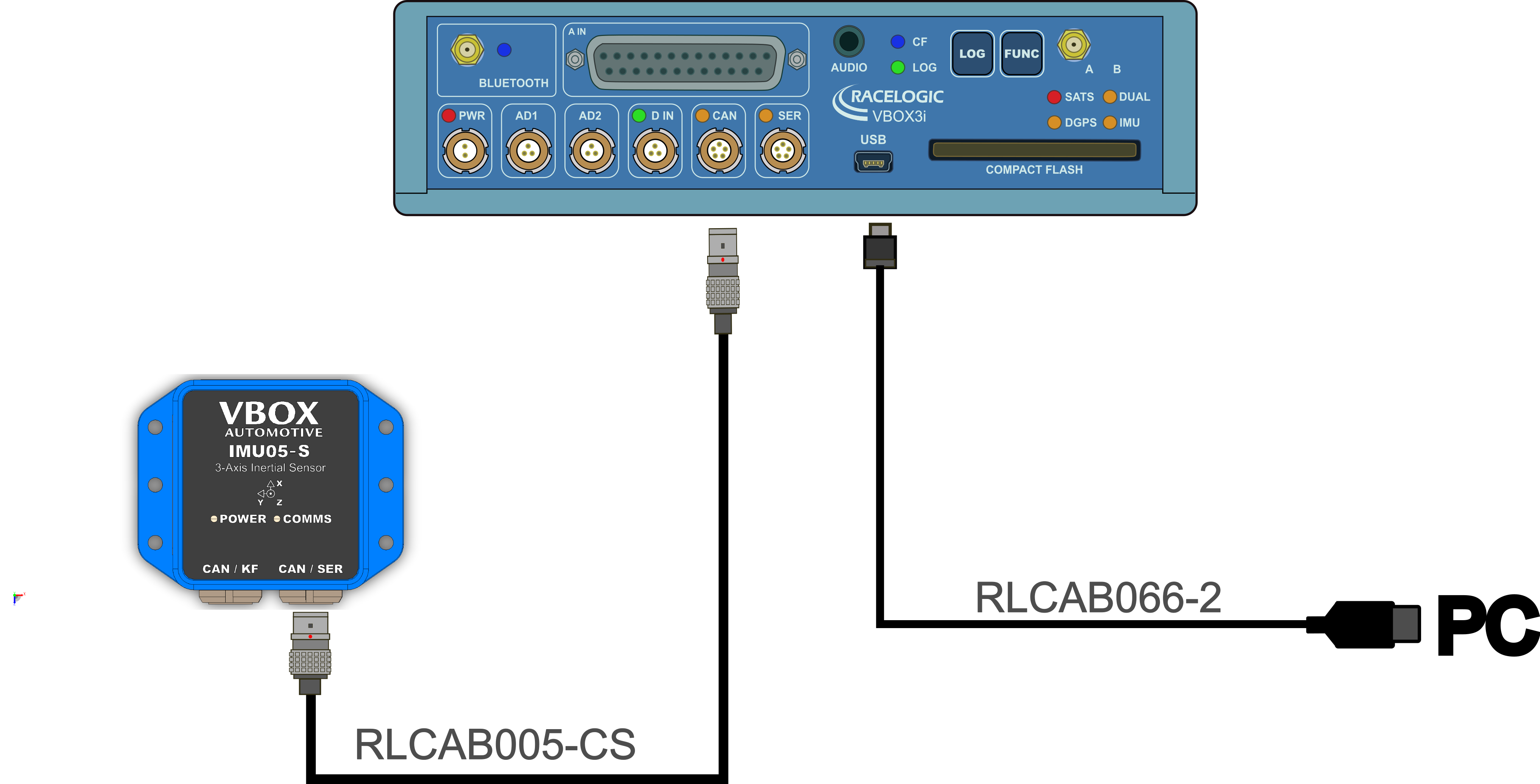
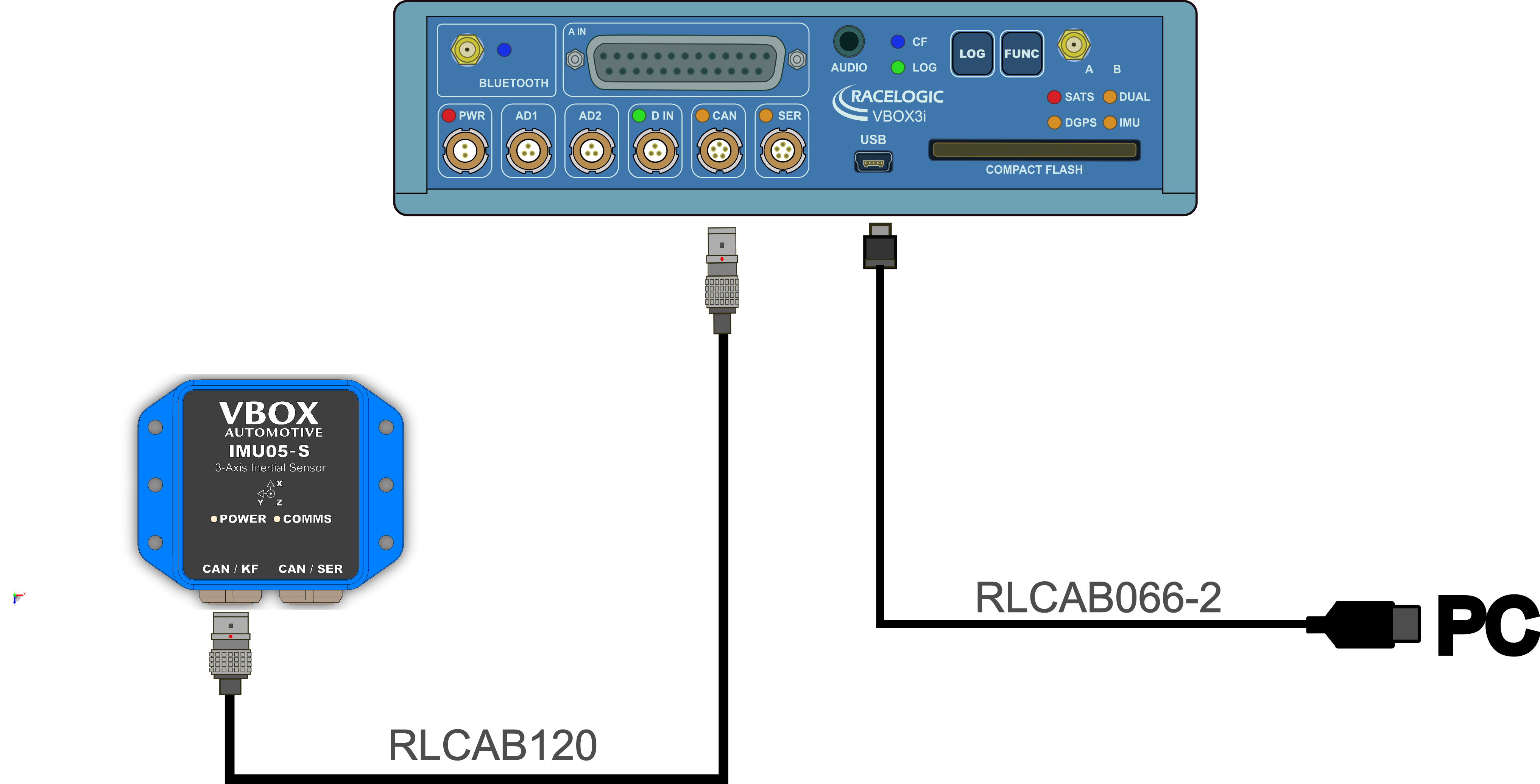
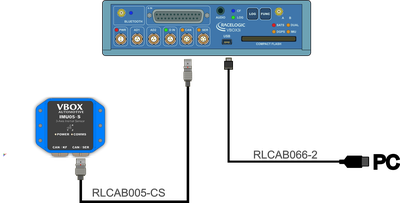
RLCAB001 with RLCAB005-CS OR RLCAB120
If you are using the RLCAB001 to connect to your PC you can either use the RLCAB005-CS or the RLCAB120 to connect your IMU05 or IMU05-S to the VBOX unit.