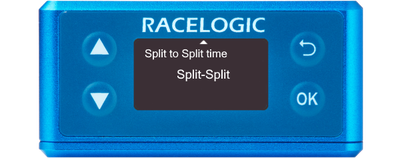
You can access the menu by pressing the OK button. Use the Up and Down arrows to navigate through the menu and press the OK button to enter a submenu or change a setting. When you edit a setting, the Up and Down buttons will let you scroll through the available options for that setting and the OK button will confirm your selection. Use the Back button to exit a setting.
This menu can be used to configure brake test/lap timing settings.
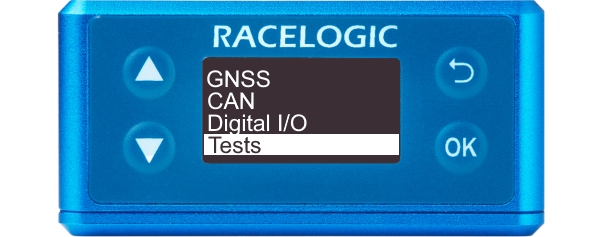
You can access the menu by pressing the OK button. Use the Up and Down arrows to navigate through the menu and press the OK button to enter a submenu or change a setting. When you edit a setting, the Up and Down buttons will let you scroll through the available options for that setting and the OK button will confirm your selection. Use the Back button to exit a setting.
This menu can be used to configure brake test/lap timing settings.
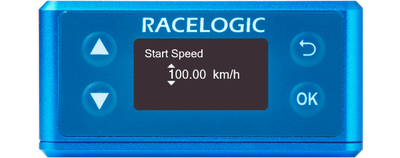
Defines the start speed at which the test will begin (100 km/h by default).
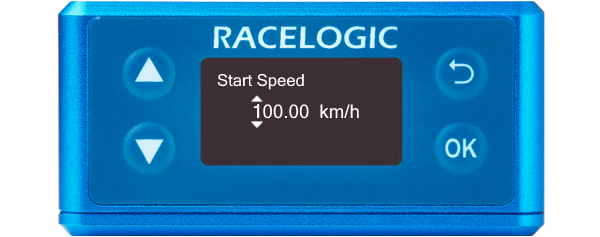
Defines the start speed at which the test will begin (100 km/h by default).
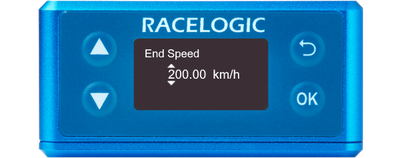
Defines the end speed at which the test will end (0 km/h by default).
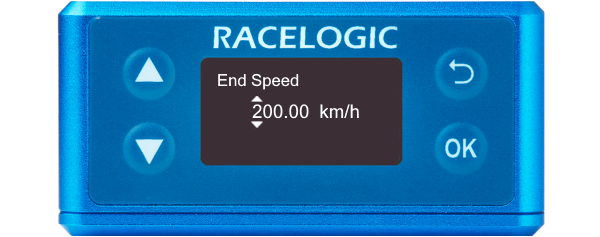
Defines the end speed at which the test will end (0 km/h by default).
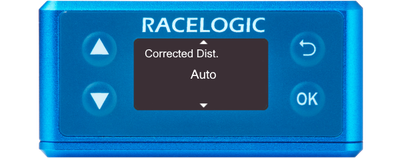
This sets the VBOX Speed Sensor to use the nearest rounded 10 km/h speed when the trigger is activated.
For example, if the trigger speed was 104 km/h, then 100 km/h would be the nominated start speed for the corrected brake stop distance.
Value
85 km/h by default.
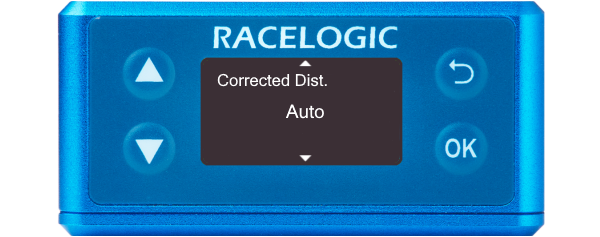
This sets the VBOX Speed Sensor to use the nearest rounded 10 km/h speed when the trigger is activated.
For example, if the trigger speed was 104 km/h, then 100 km/h would be the nominated start speed for the corrected brake stop distance.
Value
85 km/h by default.
Defines the width of any gates set (25 m by default).
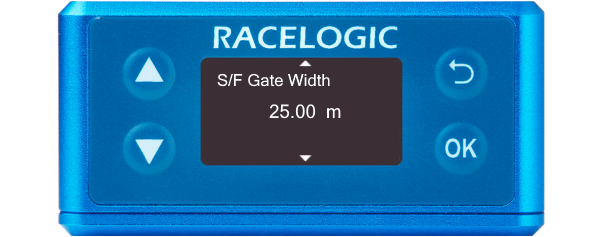
Defines the width of any gates set (25 m by default).
Defines the minimum amount of time needed between triggers for the second trigger to be valid. If a trigger is detected before this time, it will be ignored (1 s by default).
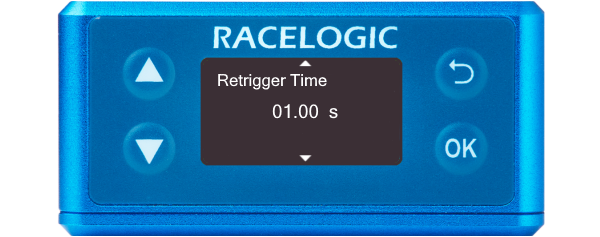
Defines the minimum amount of time needed between triggers for the second trigger to be valid. If a trigger is detected before this time, it will be ignored (1 s by default).
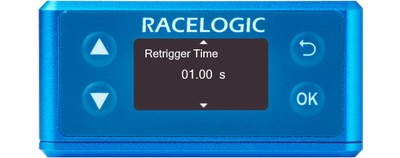
Defines the width of the pulse emitted when crossing a lap or split timeline (1 s by default).
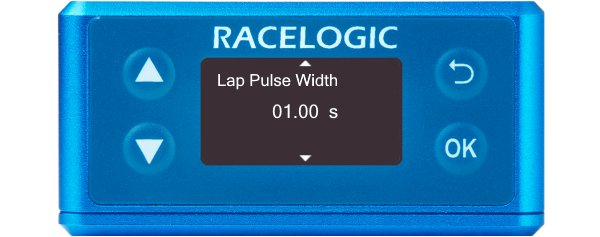
Defines the width of the pulse emitted when crossing a lap or split timeline (1 s by default).
Determines whether the 'Split Time' CAN channel is either the total lap time at point of crossing the split line or the delta time between split lines.
SF - Split or Split - Split
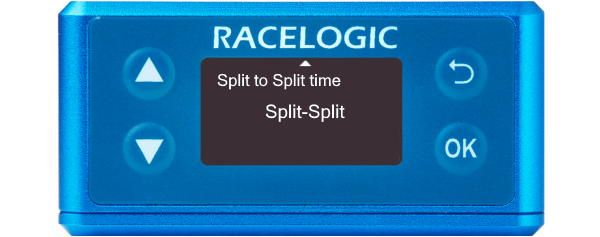
Determines whether the 'Split Time' CAN channel is either the total lap time at point of crossing the split line or the delta time between split lines.
SF - Split or Split - Split