When using MFD Touch, you may see screens giving feedback. This page explains the user feedback screens and the required actions when they are displayed.
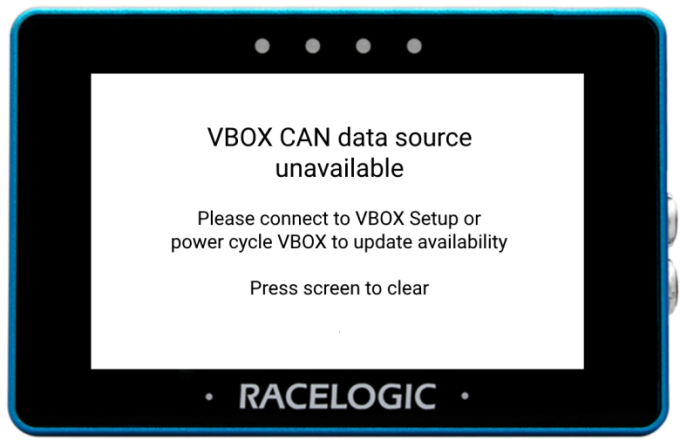
When you have connected MFD Touch to an already fully booted up VBOX unit, you will see this message on the screen.
The message means that MFD Touch has been unable to confirm the validity of the CAN data source.
Close the message by tapping on the screen.
You can resolve this issue by:
- Running a power cycle on the connected VBOX, allowing MFD Touch to confirm the validity of the CAN data source.
OR
- Connecting the VBOX to the VBOX Setup software. You will, however, see another message on the screen until you have exited the VBOX Setup software.
PRODUCT LIMITATION
Only relevant for VBOX units that are compatible with the feature:
- VBOX 4
- VBOX 3i ADAS
- VBOX 3i
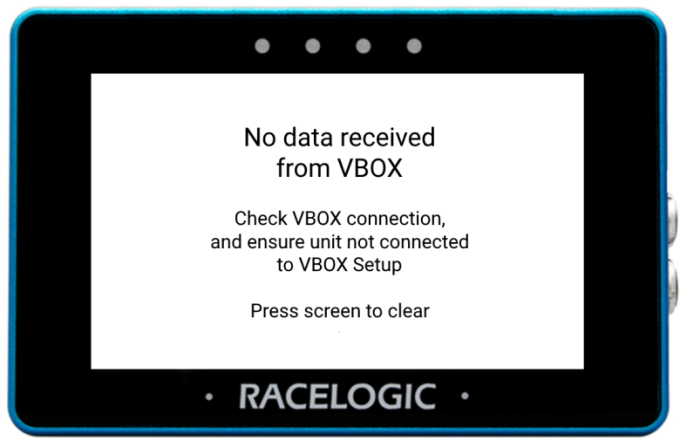
This message is displayed when MFD Touch cannot detect CAN communication from a VBOX unit.
Close the message by tapping on the screen.
You can resolve this issue by:
- Making sure that you have used the correct ports when connecting MFD Touch to the VBOX unit. You can find more information on this here.
- Making sure that your VBOX unit is not connected to the VBOX Setup software.
- Running a power cycle on the connected VBOX unit.
If you are still unable to establish CAN communications, contact Racelogic Support.
PRODUCT LIMITATION
Only relevant for VBOX units that are compatible with the feature:
- VBOX 4
- VBOX 3i ADAS
- VBOX 3i
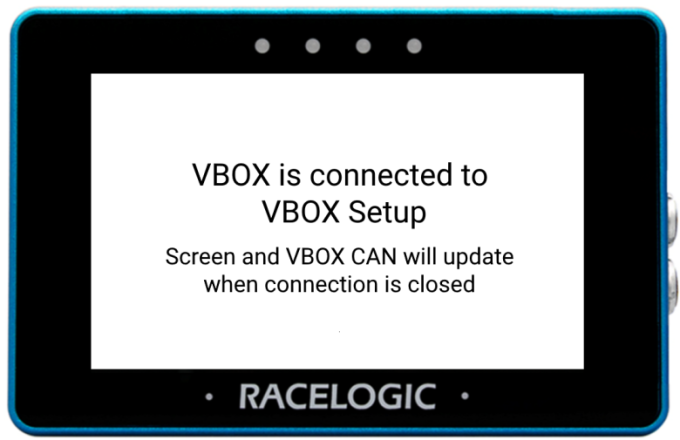
You will see this message when you power up a VBOX unit connected to an MFD Touch and the VBOX Setup software at the same time.
The screen on the MFD Touch will return to the previously selected screen when you disconnect the VBOX unit from the software.
PRODUCT LIMITATION
Only relevant for VBOX units that are compatible with the feature:
- VBOX 4
- VBOX 3i ADAS
- VBOX 3i
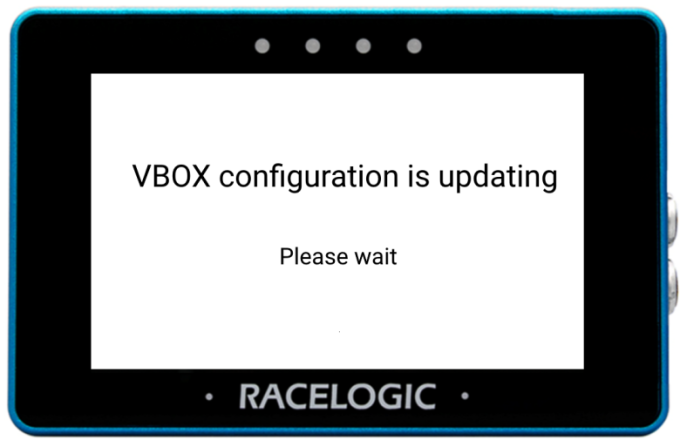
You will see this message on the screen when you use a VBOX Manager to configure the VBOX unit connected to the MFD Touch, as this will cause a break in CAN communications.
The 'VBOX configuration is updating' message will appear on the screen for a minimum of 3 seconds until the configuration update is complete. At this point, you will see the previously selected screen again.