
As well as being used in conjunction with VBOX 3i, the Steering Wheel Sensor can also be used with other data loggers.
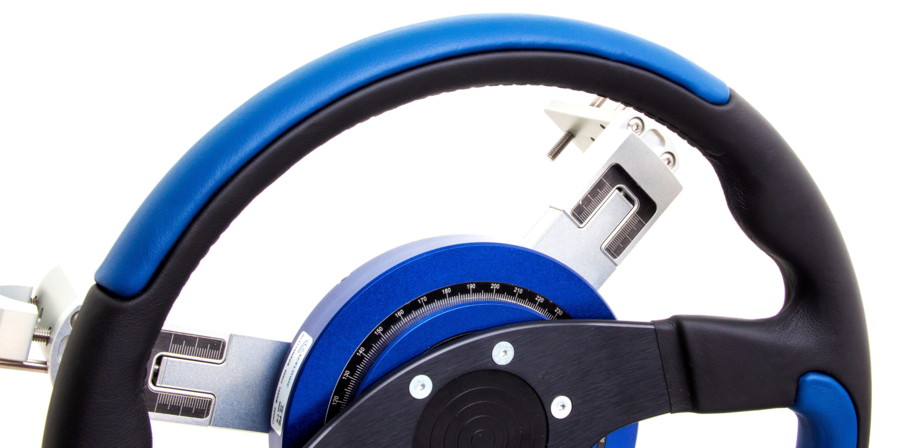
- Download the Steering Wheel Sensor .dbc file from the VBOX Automotive Website and save locally on your PC.
- You will then need to make a physical connection to your device.
- If your logger supports CAN Bus input, connect from the 4 pin Lemo port to the CAN Bus input on the device.
- If your logger does not support CAN Bus input, connect from the 6 pin Lemo port to the analogue input on the device and also connect from the 4 pin Lemo port to a power source.
- Use the device specific software program to then upload the .dbc file and select the Steering Wheel Sensor channels for logging if required.