
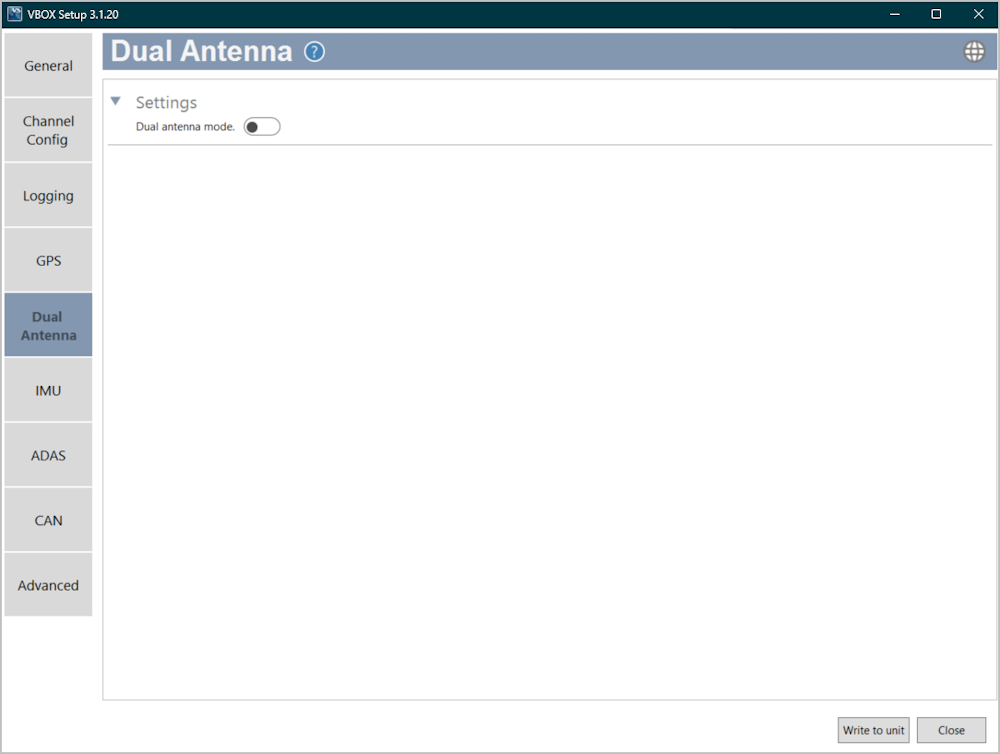
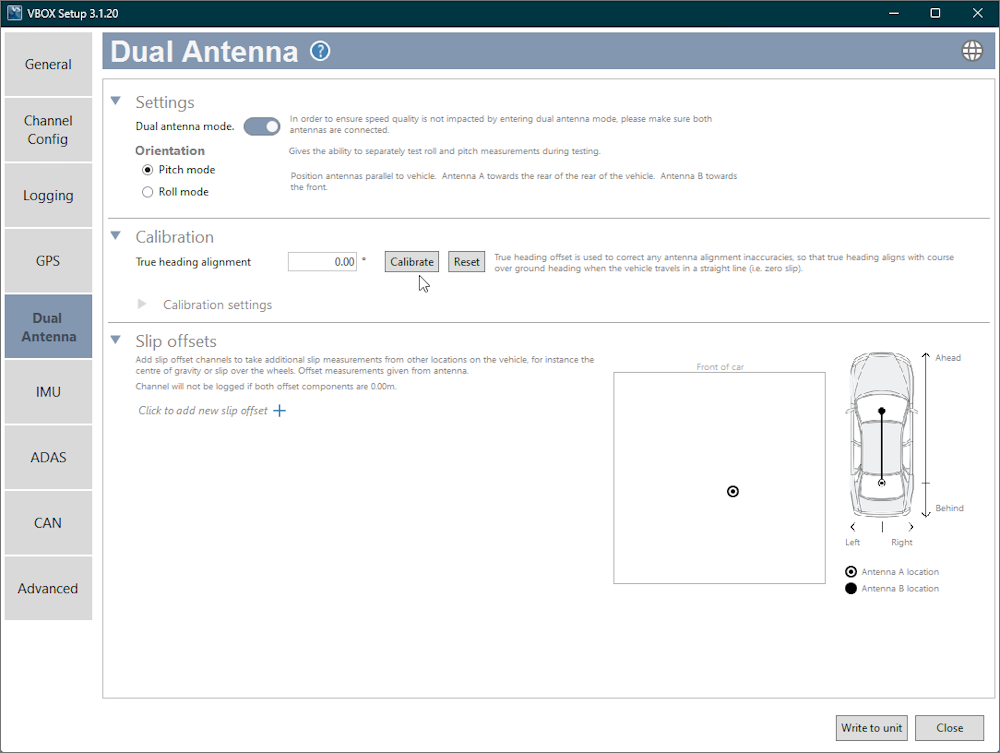
Use the toggle switch to enable the dual antenna mode. When you enable the dual antenna mode, you will see the available dual antenna settings for orientation, calibration and slip offsets. When you enable this mode, you should make sure that both GNSS antennas are connected to your VBOX 3i ADAS unit.
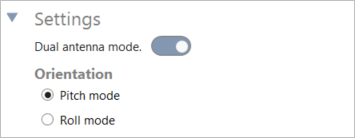
You can select either Pitch or Roll mode for VBOX 3i ADAS. We recommend that you use Pitch mode.
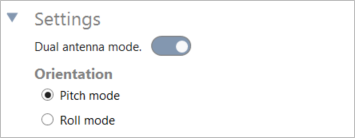
You can select either Pitch or Roll mode for VBOX 3i ADAS. We recommend that you use Pitch mode.
NOTE
It is important that the antennas are set up correctly according to orientation so that VBOX 3i ADAS can calibrate the correct heading value. Make sure that you have the antennas in the correct placement, as described next to the setting when you select it.
True heading offset is used to correct antenna alignment inaccuracies. It makes the true heading align with the course-over-ground heading when the vehicle travels in a straight line (such as zero slip).
Press the Reset button to clear an already set alignment.
You can enter the True heading alignment value manually or click Calibrate to have the software calibrate it for you.
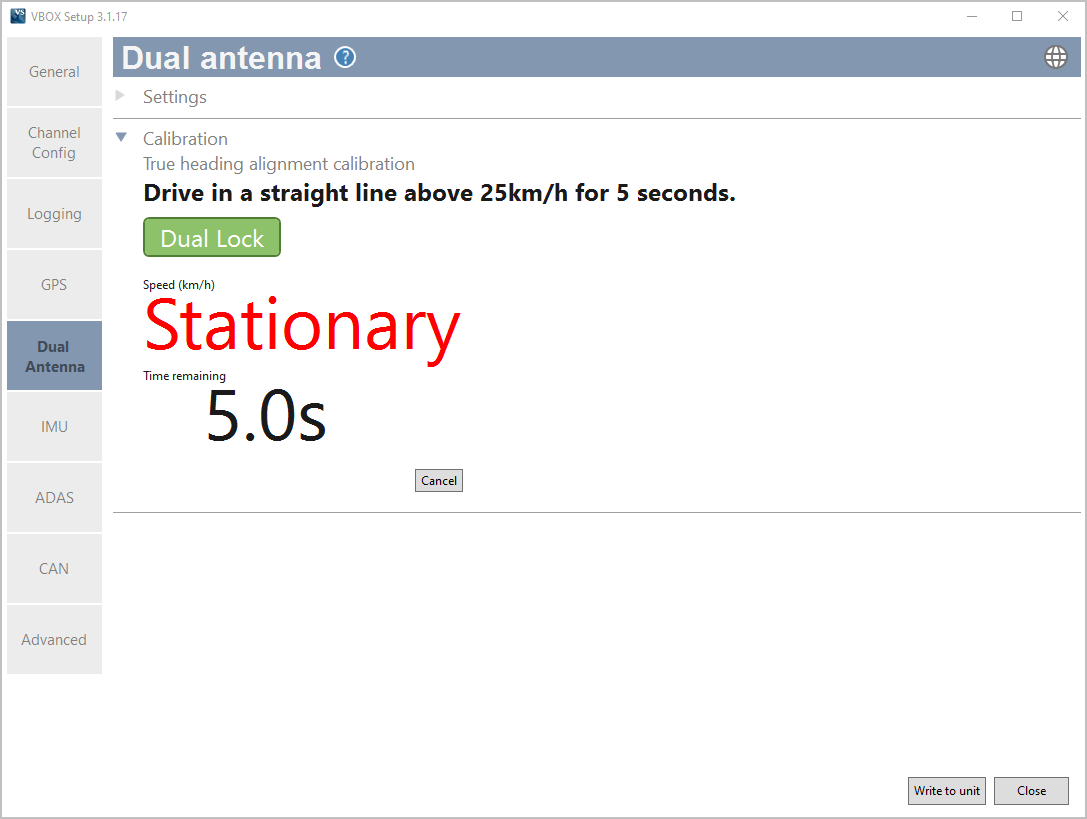
Press Calibrate to open the calibration window and start the automated process.

True heading offset is used to correct antenna alignment inaccuracies. It makes the true heading align with the course-over-ground heading when the vehicle travels in a straight line (such as zero slip).
Press the Reset button to clear an already set alignment.
You can enter the True heading alignment value manually or click Calibrate to have the software calibrate it for you.
Press Calibrate to open the calibration window and start the automated process.

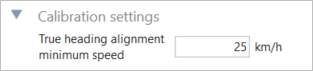
The vehicle must maintain a minimum speed throughout the 5-second alignment procedure. Reduce the minimum speed value in this setting if you are unable to drive at this speed for 5 seconds. The default minimum speed is 25 km/h.
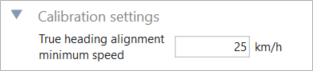
The vehicle must maintain a minimum speed throughout the 5-second alignment procedure. Reduce the minimum speed value in this setting if you are unable to drive at this speed for 5 seconds. The default minimum speed is 25 km/h.
Add slip offset channels to take additional slip measurements from other locations on the vehicle, for example the centre of gravity or slip over the wheels. The offset measurements are the distance from the primary GNSS antenna.
Click on the + icon to add a new slip offset.
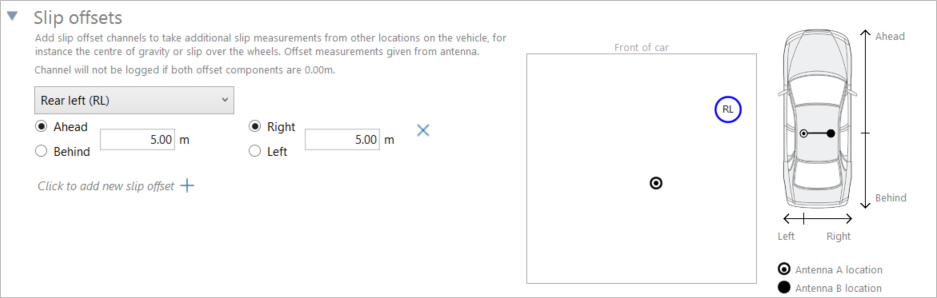
Choose the location on the vehicle that you want to add the slip measurement and add the distance and direction from the GNSS antenna in the component boxes.
You can see the location of the primary and secondary antenna, and any set slip offsets in the diagram on the right-hand side.
Click on the X button to remove an offset.
NOTES
- The offset channel will not be logged if both offset distance values are set to 0.00 m.
- To use this feature, you need to have an integrated IMU.