
In the Digital I/O menu in VBOX Setup, you can configure the digital input and output settings.
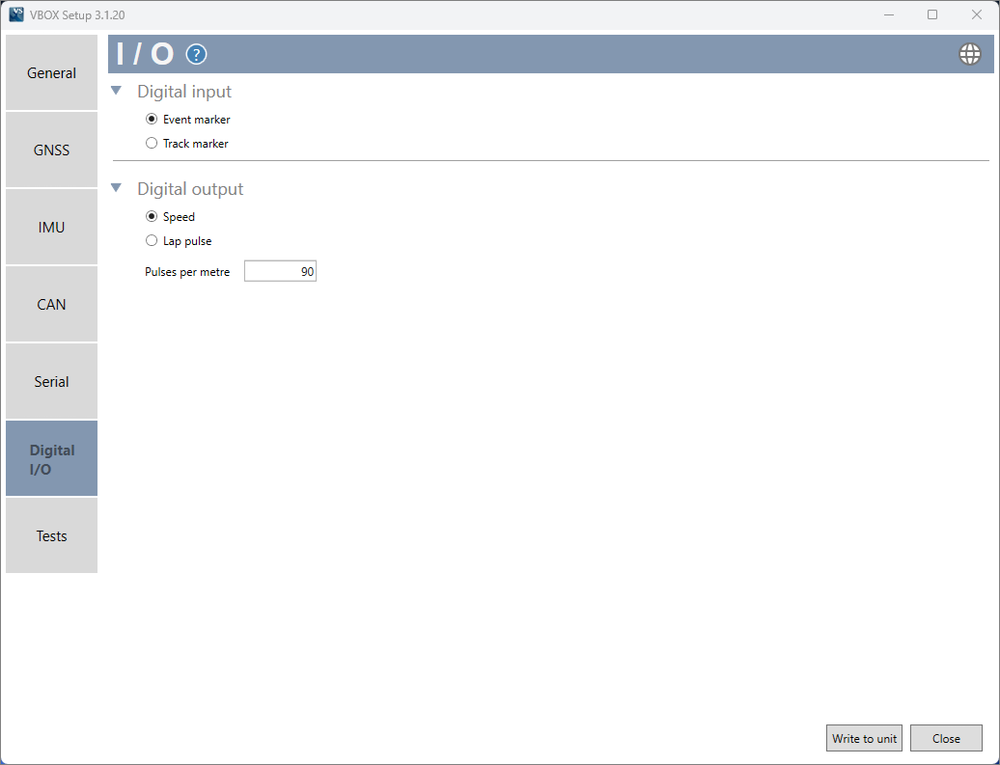
Configure whether the digital input is used as either an event marker or as a track marker.
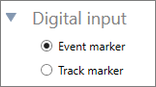
Enabling this mode allows the Digital Input to be used with an event marker.
Enabling this mode allows the Digital Input to be used as a track marker. The input switch can be used to set a start/ finish line, set a separate finish line, set a split line, clear all virtual lines and perform a coldstart.
- Set a start/finish line - Press and release of the input switch. GNSS speed must be greater than 5 km/h and the virtual line will be perpendicular to the direction of travel.
- Set a separate finish line - Press and hold of the input switch for more than 5 seconds. GNSS speed must be greater than 5 km/h and the virtual line will be perpendicular to the direction of travel.
- Set a split line - Double press of the input switch. GNSS speed must be greater than 5 km/h and the virtual line will be perpendicular to the direction of travel.
- Clear all virtual lines - Short press followed by a longer press over 1.5 seconds.
- Perform a coldstart - Grounding the Digital input whilst connecting to power.
This setting defines the digital output of VBOX Omega.
The speed output is configured by changing the number of pulses per metre (90 pulses/m = 25 Hz per km/h as default).
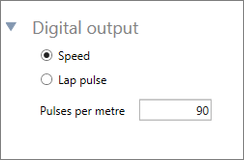
The speed output is configured by changing the number of pulses per metre (90 pulses/m = 25 Hz per km/h as default).
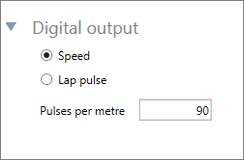
When this option is enabled, VBOX Omega will output a 5 V pulse for 1 second (by default) when a Start/Finish line is crossed. The duration of the pulse in seconds can be adjusted by entering a different value.
You can change the polarity of the pulse to either a rising or falling pulse by selecting the radio button next to the desired image.
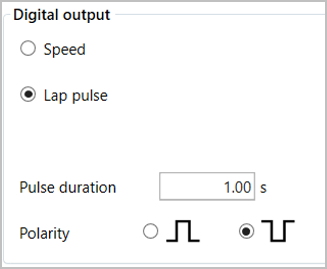
When this option is enabled, VBOX Omega will output a 5 V pulse for 1 second (by default) when a Start/Finish line is crossed. The duration of the pulse in seconds can be adjusted by entering a different value.
You can change the polarity of the pulse to either a rising or falling pulse by selecting the radio button next to the desired image.
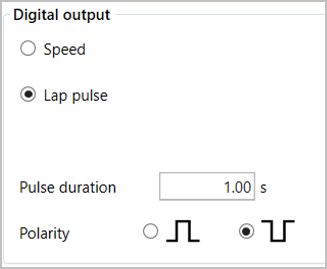
Note: The Pulse duration can be maximum 50 seconds.