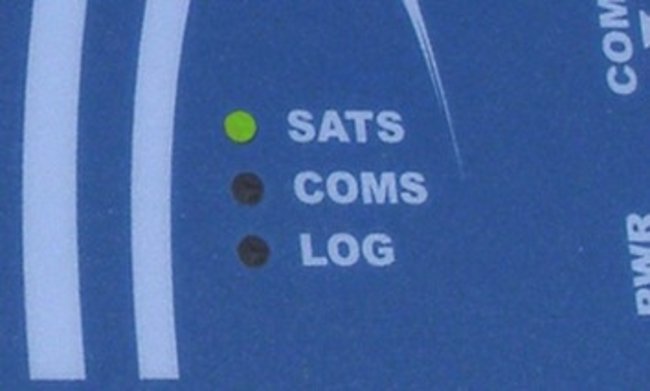
The VBOX Micro can be used to log data once the following simple steps have been followed.
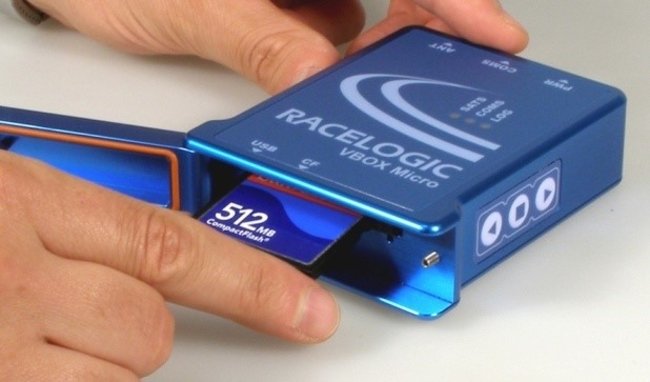
- Insert a suitable CF card and close the door.
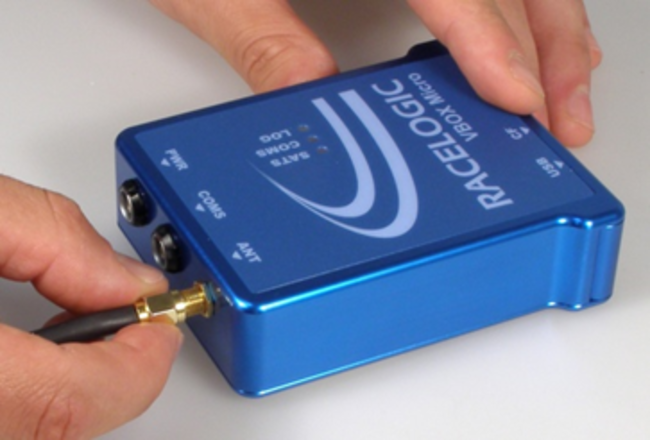
- Connect the GPS antenna; ensure it is mounted in a suitable position.
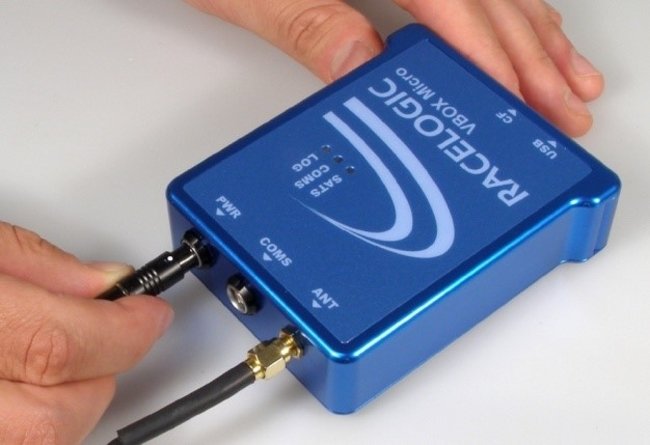
- Connect a power supply to the VBOX Micro.
- Simply wait for the GPS LED to turn Green, and the VBOX Micro is ready to log data.