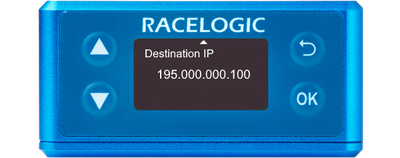
You can access the menu by pressing the OK button. Use the Up and Down arrows to navigate through the menu and press the OK button to enter a submenu or change a setting. When you edit a setting, the Up and Down buttons will let you scroll through the available options for that setting and the OK button will confirm your selection. Use the Back button to exit a setting.
You can use this menu to configure the Ethernet on your VBOX 3iS unit.
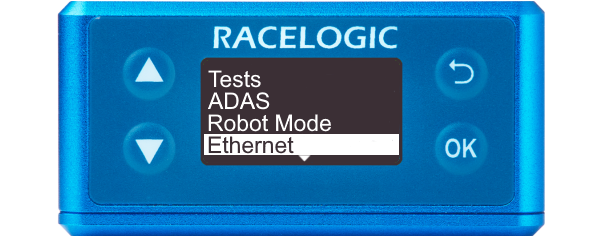
You can use this menu to configure the Ethernet on your VBOX 3iS unit.
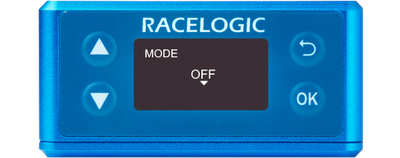
Ethernet is switched off.
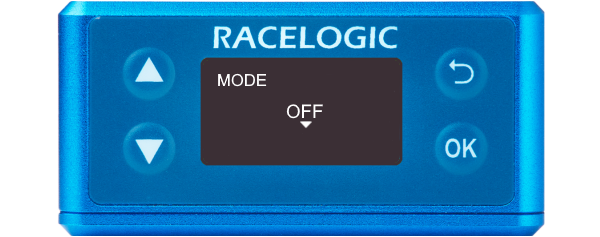
Ethernet is switched off.
This mode will output the following IDs:
- 307
- 308
- 309
- 314
- 324
- 32B
- 600
- 601
- 602
- 603
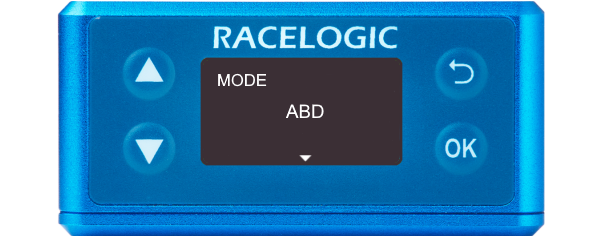
This mode will output the following IDs:
- 307
- 308
- 309
- 314
- 324
- 32B
- 600
- 601
- 602
- 603
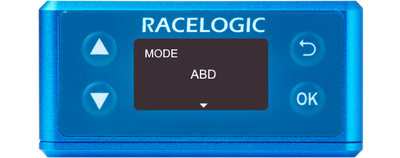
Note: Messages will only be transmitted if all ABD CAN channels are enabled. Certain ABD modes, e.g. ABD pedestrian, do not enable all ABD CAN channels. Therefore, the unit may not output any data when these modes are configured, even though ABD Ethernet is enabled.
This mode will change the baud rate to 1 Mbit/s and output all CAN IDs 301 to 603, including ADAS if they are enabled (does not include Stahle output).
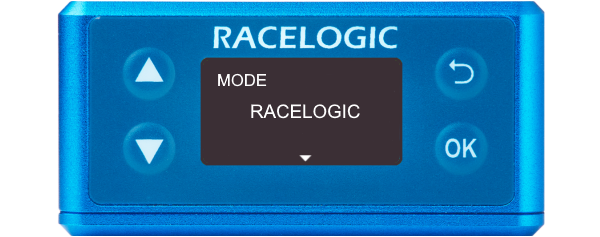
This mode will change the baud rate to 1 Mbit/s and output all CAN IDs 301 to 603, including ADAS if they are enabled (does not include Stahle output).
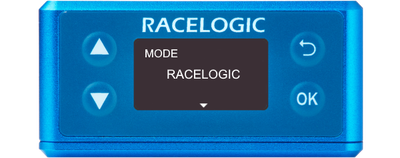
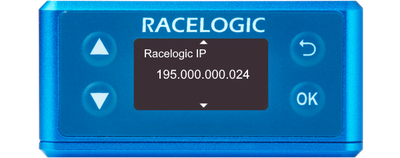
Racelogic IP
This is the IP address of your VBOX 3iS unit. In this setting, you can change the IP address, which is stored in the unit's memory.
This IP address will be automatically set when you select ABD mode.
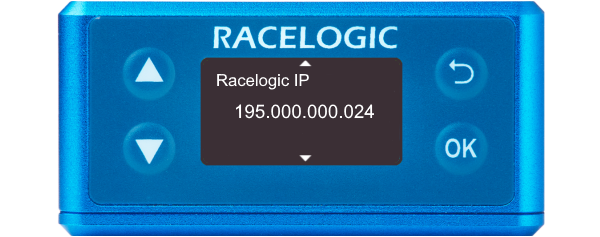
This is the IP address of your VBOX 3iS unit. In this setting, you can change the IP address, which is stored in the unit's memory.
This IP address will be automatically set when you select ABD mode.
A static IP that you can change and that is stored in the unit's memory.
This IP address will be automatically set to ABD's default controller IP when you select ABD mode.
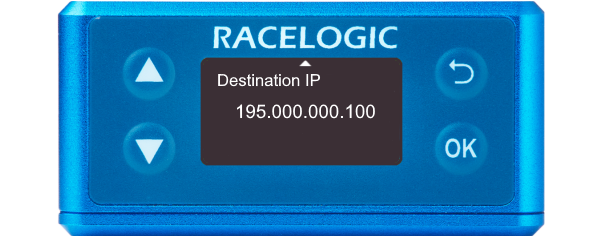
A static IP that you can change and that is stored in the unit's memory.
This IP address will be automatically set to ABD's default controller IP when you select ABD mode.