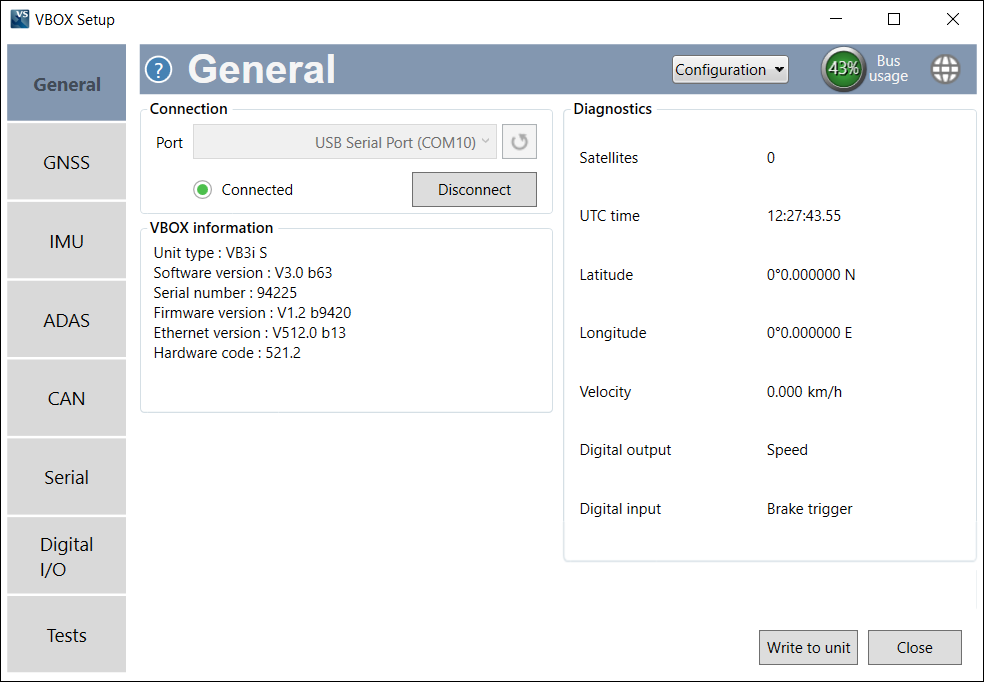
The General menu contains connection, VBOX and diagnostics information.
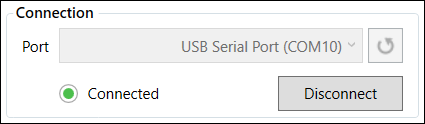
Displays the selected COM port and includes a Disconnect button. A green light will be displayed when connected to a VBOX 3iS unit.
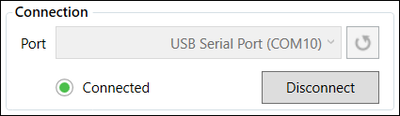
Displays the selected COM port and includes a Disconnect button. A green light will be displayed when connected to a VBOX 3iS unit.
Displays the serial number and installed firmware version of the connected VBOX 3iS unit, as well as the current software version.
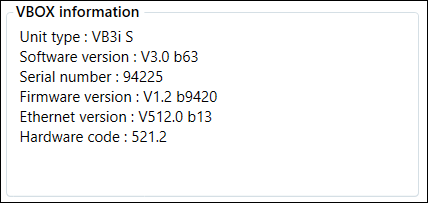
Displays the serial number and installed firmware version of the connected VBOX 3iS unit, as well as the current software version.
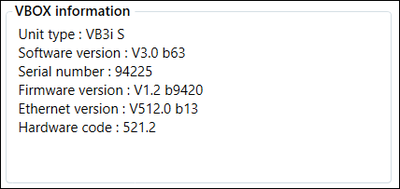
Note: When a variant of the VBOX 3iS is connected, 'VB3i S' will be displayed as the Unit Type.
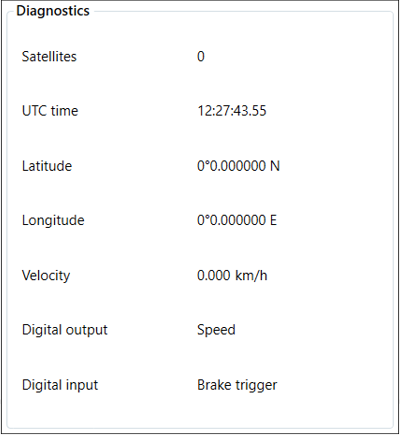
Displays live GPS data and the basic current setup.
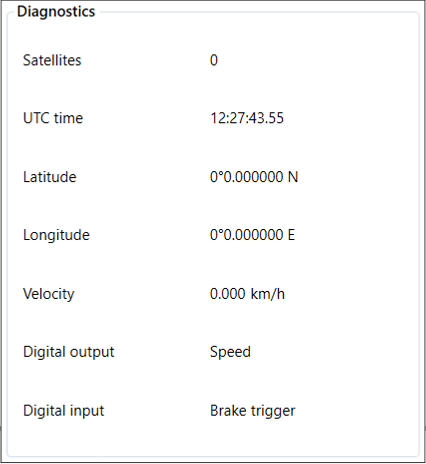
Displays live GPS data and the basic current setup.