
You can use the Racelogic CAN bus connection (RLCAN port) to connect to Racelogic modules (TC8, FIM03, etc), and displays (VBOX Manager or MFD Touch). You can log up to a maximum of 32 Racelogic module channels on this port.
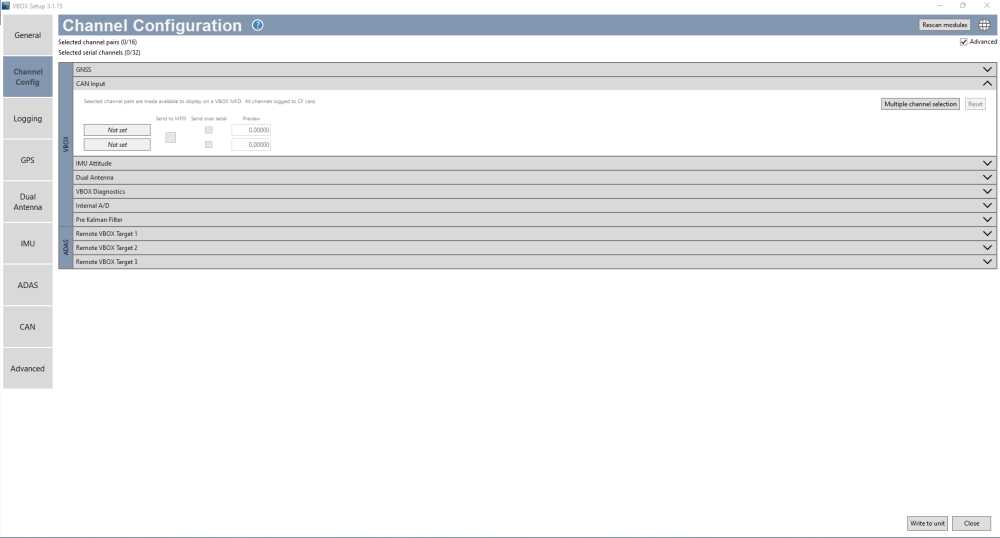
You can configure the channels in the Channel Configuration menu in the VBOX Setup software.
NOTE
VBOX 3i ADAS has an additional channel limit of 64. Additional channels consist of VCI channels (up to 32), RLCAN channels (up to 32) and any other channels that fall outside the channels listed in the Channel Configuration menu in VBOX Setup, such as Internal A/D, IMU Attitude, Dual antenna channels, ADAS channels, and so on.
You can use the Vehicle CAN bus connection (CAN port) to connect to a vehicle CAN or a sensor CAN bus. VBOX 3i ADAS can log up to a maximum of 32 channels through this port.
You can configure these channels on the CAN Input tab in the Channel Configuration menu in VBOX Setup software. You can enter the CAN signal parameters manually or import them directly from a CAN database (.dbc) file.
NOTE
We recommend that you keep the CAN Termination off when you connect between the CAN port and a vehicle's CAN bus.
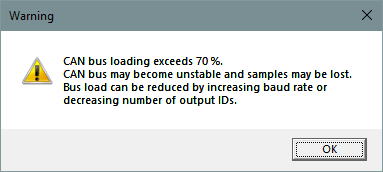
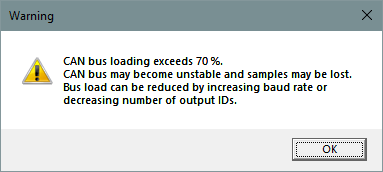
If the bus loading is more than 70%, the icon in the top right corner will become red. When it is more than 75% the icon will start flashing. If you choose to write to the unit while the CAN bus loading exceeds 70%, you will trigger a warning message.
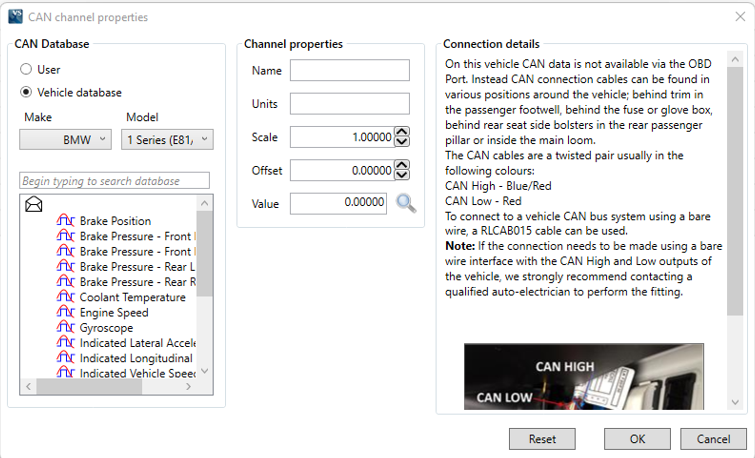
Racelogic supplies a free, encrypted vehicle CAN database. This gives you the ability to log basic CAN data from a large number of current vehicles from a broad selection of manufacturers.
You can also download all of the CAN database files for vehicles we have reverse-engineered from our website. To access these files you will need to use the username and password that you set up when you registered your VBOX unit. If you have not registered it yet, or have forgotten your credentials, you can register (or re-register) your VBOX unit here.
You can output channel data from the Racelogic CAN bus (i.e. Racelogic modules such as TC8) on the isolated customer VCI bus. You can configure output data (in VBOX Setup) using channels from the available channels dropdown list, and configure the identifier as required.
Example application:
A Racelogic IMU connected to the Racelogic CAN bus to use IMU yaw rate for improved dual antenna slip translation data. The same IMU data is transmitted from the customer VCI bus to be logged by third-party CAN logging equipment.
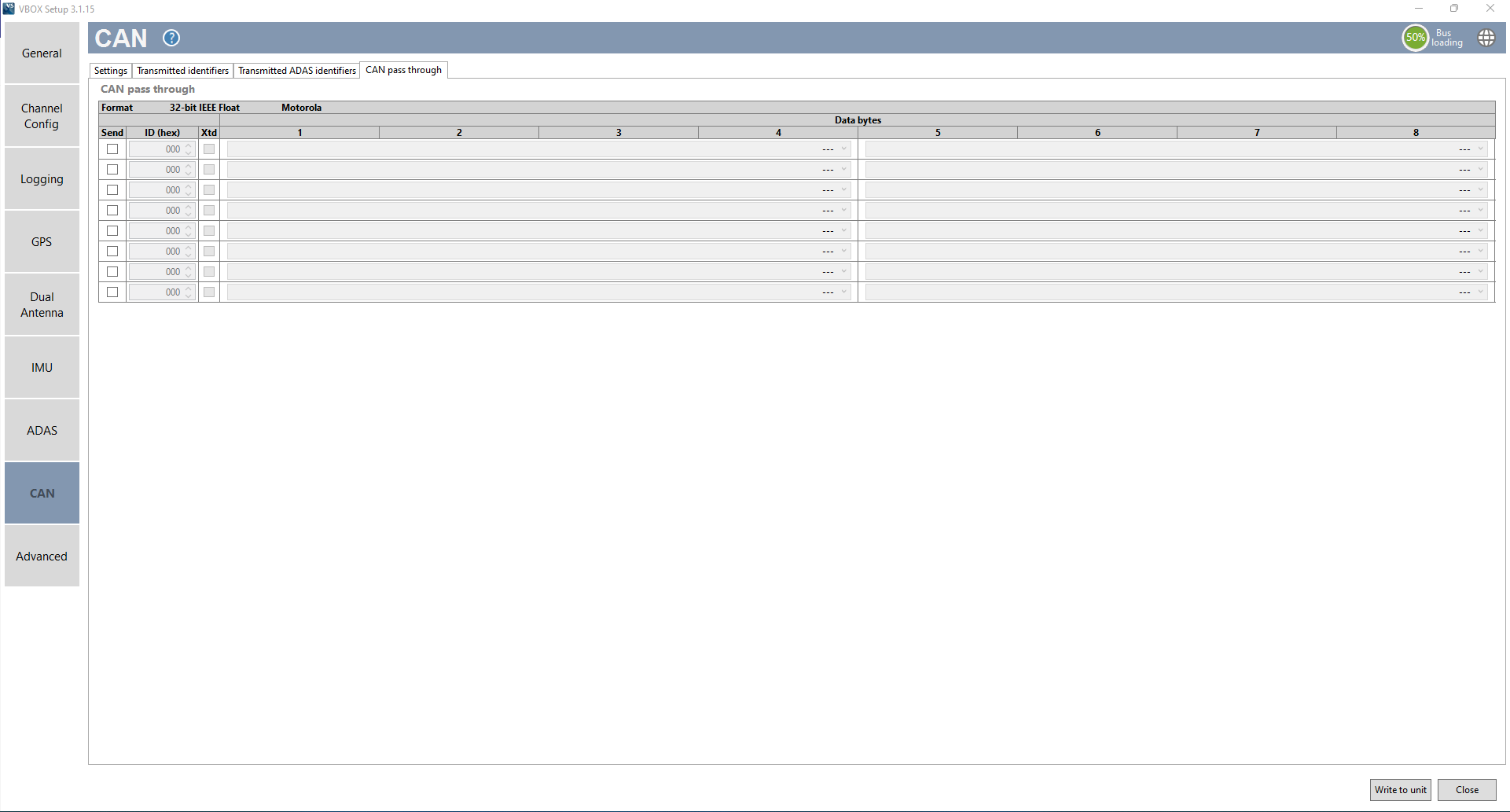
The VBOX 3i ADAS can output up to 6 user-configured CAN messages and up to 12 CAN channels over the customer VCI bus.
Be aware of checking the CAN pass-through channel selection when you are re-entering VBOX Setup. If the VBOX unit is logging many external CAN channels, you can re-adjust the dropdown channel selection. When you exit VBOX Setup, the adjusted CAN channels will be applied.
NOTE
If you are loading VBOX configuration settings from a previously saved .RCF file, and there were external modules connected during the save, the selected CAN pass-through channels may not be loaded correctly. You should always check and configure the channels directly in the VBOX Setup software.
NOTE
These output CAN channels will be in a 32-bit IEEE float format. 29-bit extended identifiers are optional.
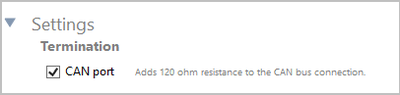
The VBOX 3i ADAS contains an active termination between 0 Ohms and 120 Ohms. You can enable/disable the Termination on the CAN port by ticking or unticking the setting in the CAN menu's Settings tab.
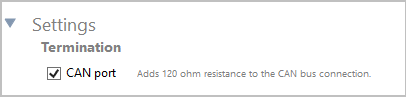
The VBOX 3i ADAS contains an active termination between 0 Ohms and 120 Ohms. You can enable/disable the Termination on the CAN port by ticking or unticking the setting in the CAN menu's Settings tab.
NOTE
If you add or remove termination on the CAN port, you must power-cycle the VBOX after writing the settings to the unit.