
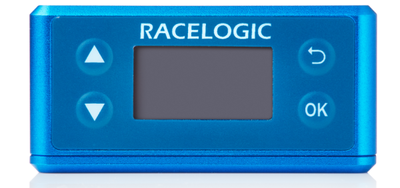
To facilitate unit configuration, VBOX Omega has an OLED display and four membrane buttons on the front panel.
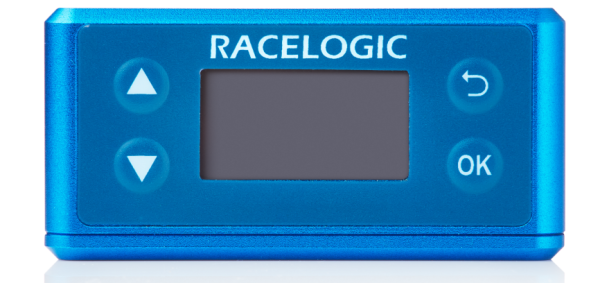
To facilitate unit configuration, VBOX Omega has an OLED display and four membrane buttons on the front panel.

Menu up / Increase the value when editing a number.

Menu up / Increase the value when editing a number.

Menu down / Decrease the value when editing a number.

Menu down / Decrease the value when editing a number.

Move to the previous menu level.

Move to the previous menu level.

Enter the menu / select menu item for adjustment.

Enter the menu / select menu item for adjustment.
When VBOX Omega is powered up, it will display 'VBOX Omega' and then the serial number of the unit. Next, it will change to display the firmware version of the unit.
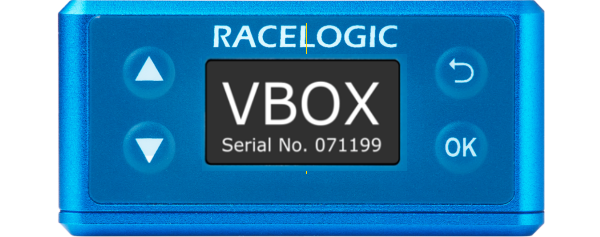
When VBOX Omega is powered up, it will display 'VBOX Omega' and then the serial number of the unit. Next, it will change to display the firmware version of the unit.
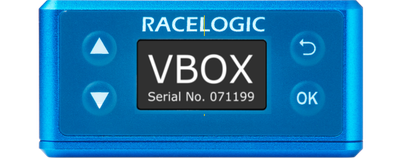
When the unit has initialised and any status messages have been cleared, the display will show 'Waiting for movement'.
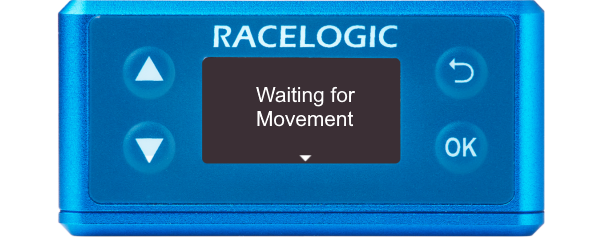
When the unit has initialised and any status messages have been cleared, the display will show 'Waiting for movement'.
Press the Down arrow to open the status screen where you can view information about Speed, Satellite count, RTK Status and Wheel Speed.
Press the Up arrow to return to the main screen.
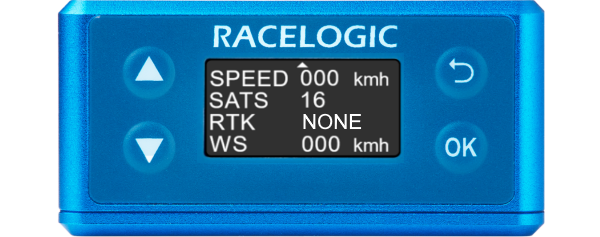
Press the Down arrow to open the status screen where you can view information about Speed, Satellite count, RTK Status and Wheel Speed.
Press the Up arrow to return to the main screen.
You can access the menu by pressing the OK button. Use the Up and Down arrows to navigate through the menu and press the OK button to enter a submenu.
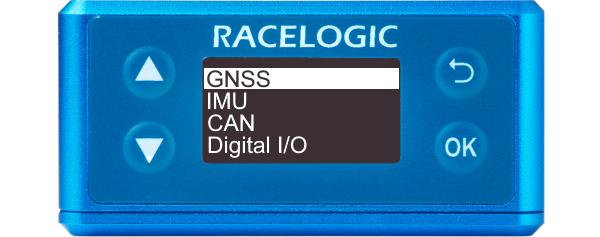
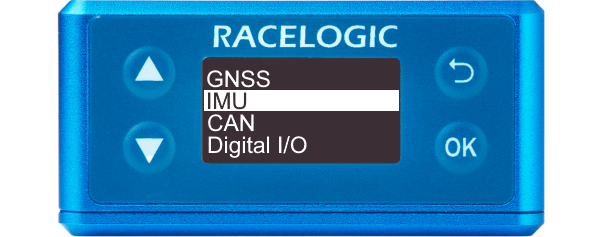
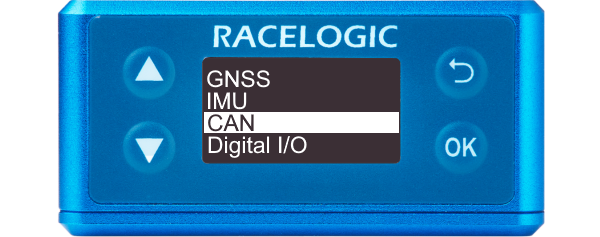
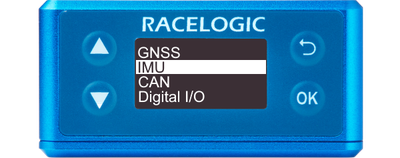
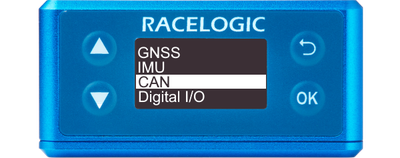
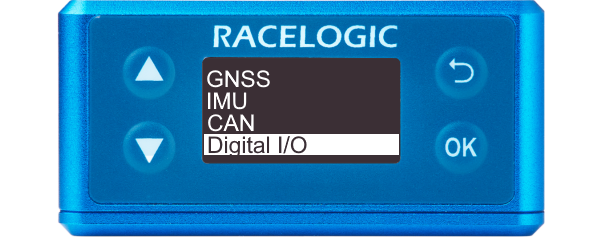
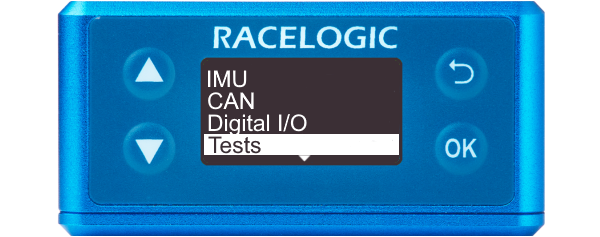
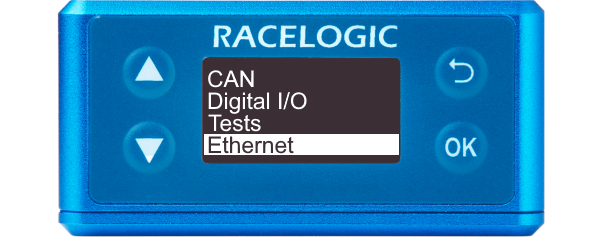
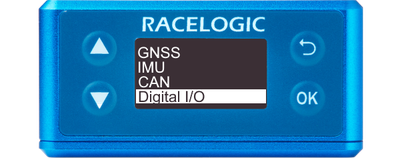
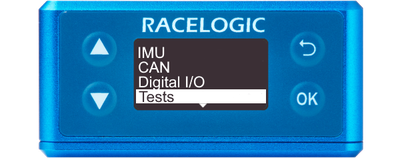
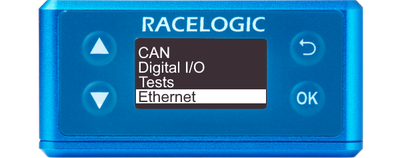
IMU integration is always enabled, which means the main screen should show an indication of the Kalman Filter status.
- Once the unit has acquired a satellite lock, the display will read Filter Initialising - Remain Stationary for 30s.
- The message will count down to 0 seconds and change to Stationary Initialisation Complete
- After 2 seconds, it will display Waiting For Movement.
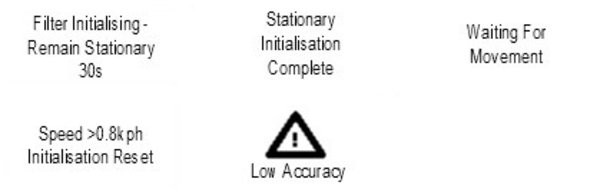
When the unit has detected the speed, the display will show an indication of the Kalman Filter quality in relation to the Speed Quality Channel output on CAN ID 0x306. The display will read either:
- Low Accuracy when the speed quality is >0.1 km/h.
- Medium Accuracy When the speed quality is <0.1 km/h.
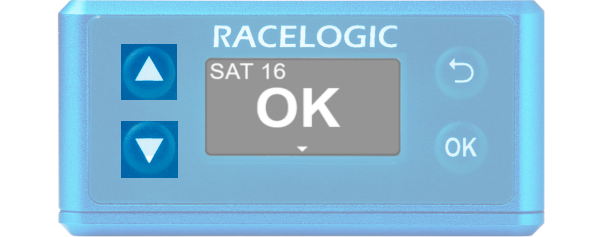
- OK When the speed quality is <0.06 km/h for at least 5 seconds.
You can reset the unit to its factory settings by pressing the Up and Down arrow buttons simultaneously and holding them for 5 seconds. After this period, the unit will beep and it will play an audible confirmation signal when the reset is finished.
Note: Receiver settings (DGNSS Rate and Elevation mask) will not reset.