
If you are not sure which version of the Performance Box Touch you have, we explain how to find your product version here.
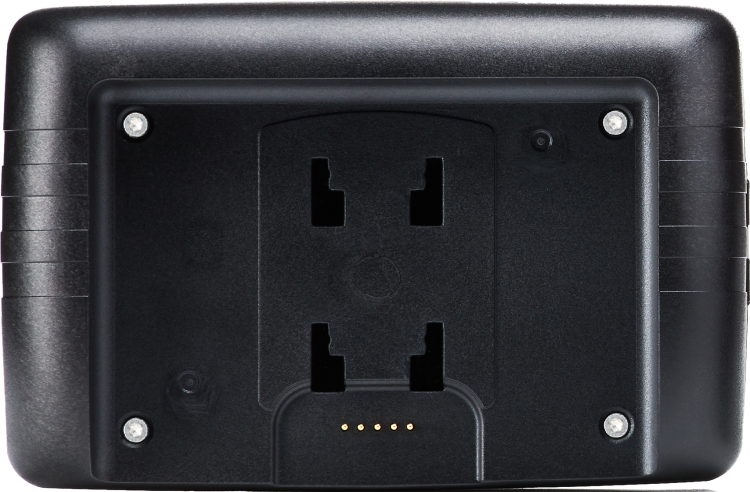
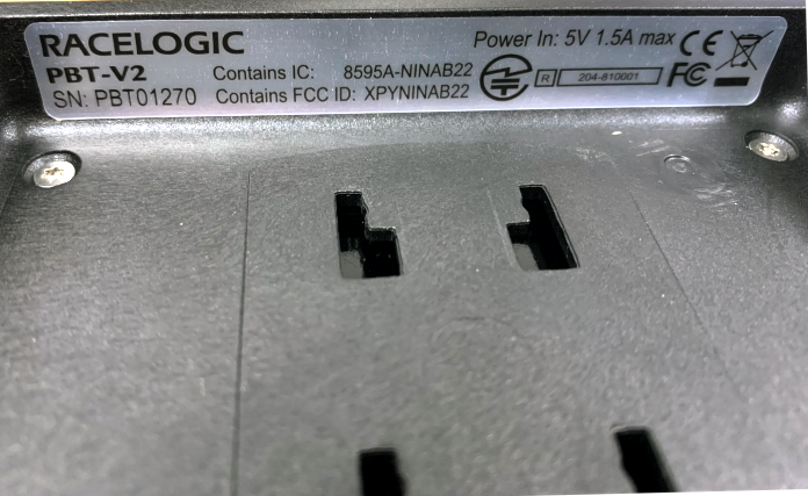
Locate the label (sticker) with the product code/version number and the serial number for Performance Box Touch under the top lip at the rear panel of the unit.
IMPORTANT
When the battery is installed in the Performance Box Touch unit or the unit is installed in the suction mount, the sticker will not be visible.
The relevant documentation will depend on the hardware version of your Performance Box Touch unit:
You can find the battery's product code and serial number on the Racelogic sticker on the fron of the battery:
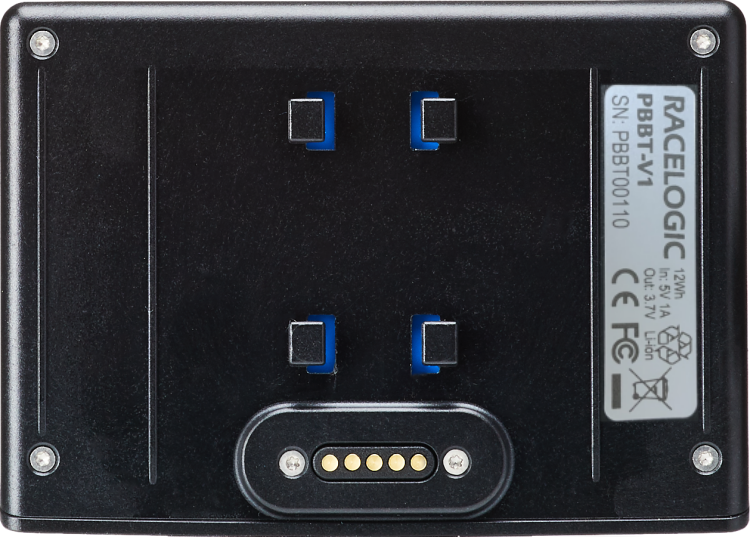
If your battery is installed in a Performance Box Touch, the battery information will also be available on the Diagnostics Screen in the Settings menu.