
Looking for the latest release notes?
Many of the changes have been made as a direct result of customer feedback requesting new features. Some changes have been made to fix bugs and other issues found during testing.
Racelogic strongly recommend that all users update to the latest software release to take advantage of the new features and benefit from the improved stability.
For installation guidance, refer to the VBOX Test Suite User Guide.
If Automatically check for updates is enabled, the software will detect available updates when connected to the internet and prompt you to download them.
Microsoft Windows 7 SP1 or newer (must be compatible with .Net Framework 4.7.1)
Bug Fixes
- Park Assist distance and closest measurements were sometimes reporting 0 instead of the actual value.
- Improved message to clarify which channels are required by VBOX Test Suite when the limit of 32 CAN channels is exceeded (VB3i ADAS/V3 firmware only).
New Features
- Added the ability to load a Vehicle Overlay from a VBC file.
- List of ports for Online connection only shows ports that can be connected to (hides Bluetooth ports that are for outgoing connections).
- Added the ability to hide the position of the subject vehicle when viewing a target vehicle.
- Added extensive information about the settings of the unit that recorded the currently open VBB file in the File Information option.
- Improved online connection and re-connection.
Bug Fixes
- Analogue/Digital channel values reverted to default names instead of names configured in VBOX Setup.
- The test did not always start on AD channels.
- In some situations, the AD/CAN channel values were not updated until a test had been started.
- An issue with the Cut feature when the x-axis was set to elapsed time.
- Gauges did not update after the unit was power cycled.
- The software sometimes crashed when Test Setup was exited.
- The stacked chart horizontal separator was occasionally not visible.
- The gate crossed marker was only displayed on the chart for one file when multiple files were loaded.
- An issue with installing screen capture has been resolved.
- Stability improvements.
- Park Assist
- Not all points were calculated until the Start button was pressed.
- Park Assist was not producing results when used with single-antenna units and external IMU as opposed to dual-antenna units.
- The software sometimes crashed when Test Setup was exited.
- Coastdown
- An issue with Coastdown run direction detection when the session crosses UTC midnight.
- Coastdown GTR 15 exception fixed.
- Coastdown SAE J2263 - bug prevented a test from being started in some situations.
Bug Fixes
- Fixed an issue that prevented analogue channels and CAN channels from appearing when some unit types connect online.
- Fixed incorrect test distance when crossing midnight.
- Added a warning message when the Bluetooth connection is lost.
- Made Distance to Line measurements use ‘true heading’ with .vbb files.
- Fixed the Park Assist ‘distance to entrance point’ calculation.
- Stability improvements.
New Key Features
Added Support
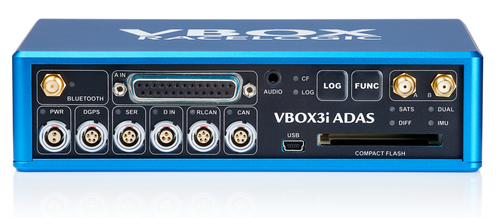
The new VBOX 3i ADAS.
VBOX 3i ADAS features a multi-constellation, dual-frequency GNSS receiver that delivers robust RTK accuracy. It has been designed to provide flexible and intuitive test configuration options exclusively for ADAS testing.
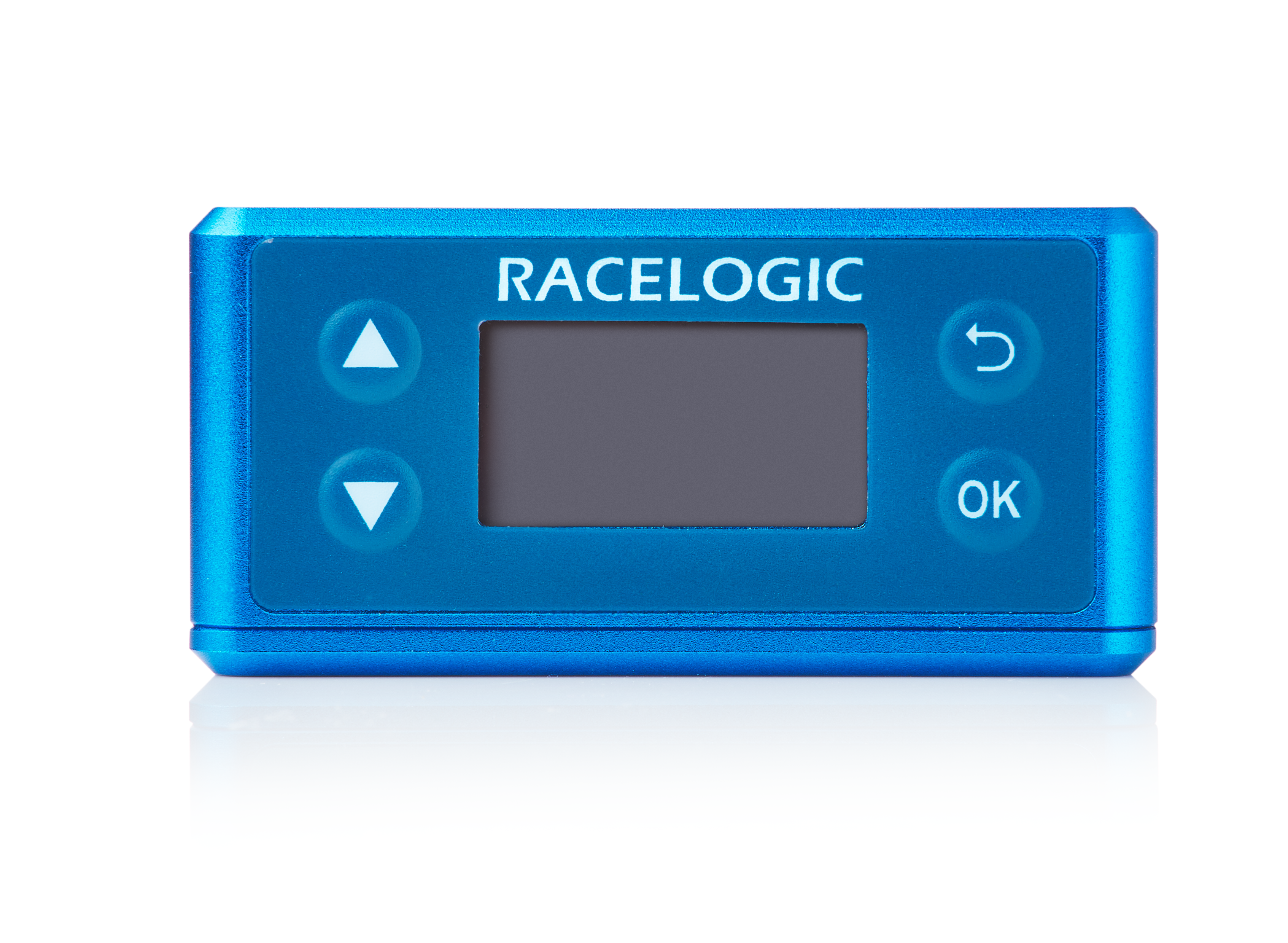
The new VBOX 3iSDR
The VBOX 3iS Dual Antenna RTK is a compact GNSS-aided inertial navigation system (INS) with Ethernet robot connectivity and the ability to utilise wheel speed data from a vehicle’s CAN bus.
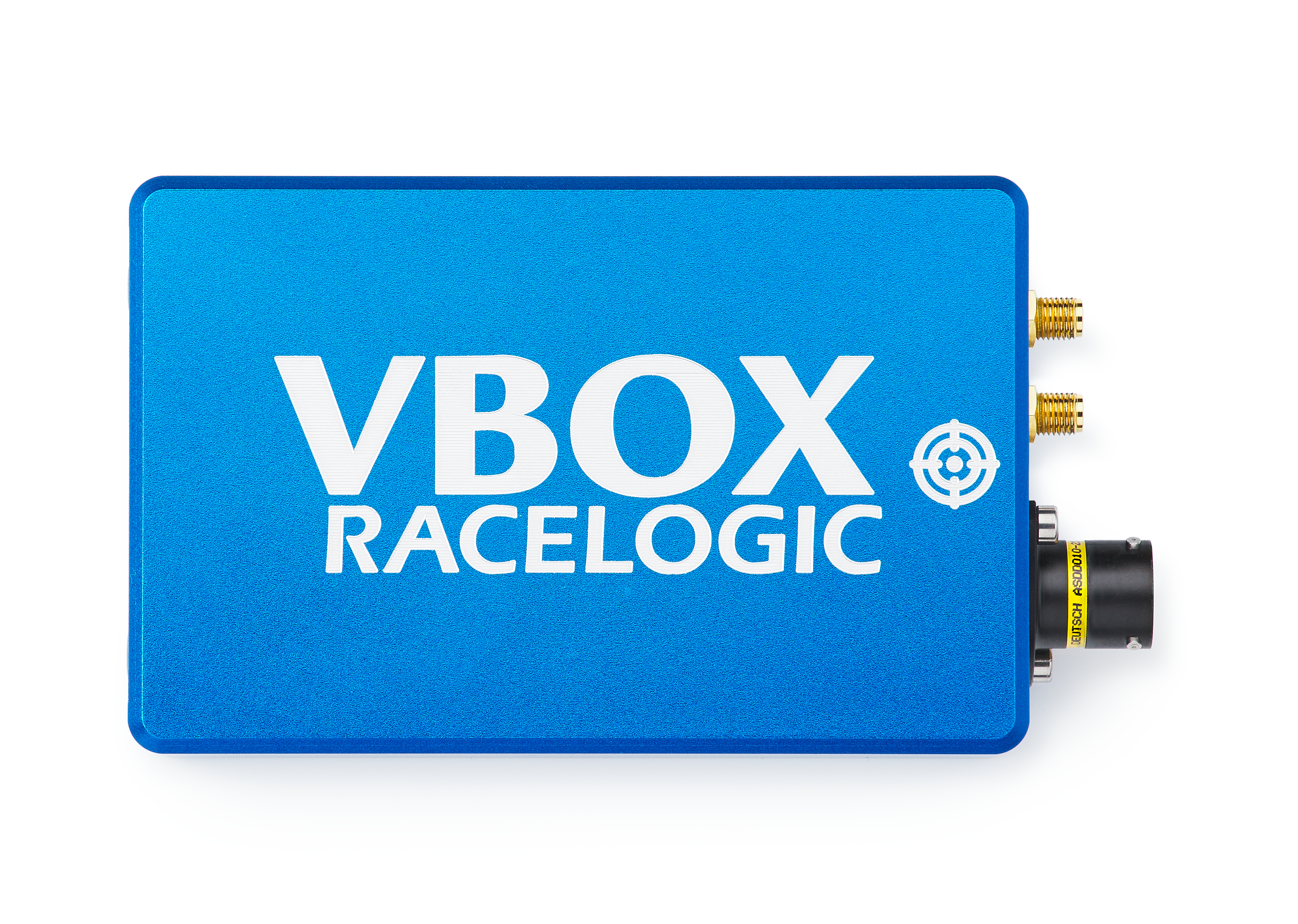
The new 25 Hz VBOX Speed Sensor (VBSS25)
The new VBOX IISX-V3
VBB Files
‘VBB’ binary log files are created by VB3i (V3 firmware) and VB3i ADAS.
Other New Features
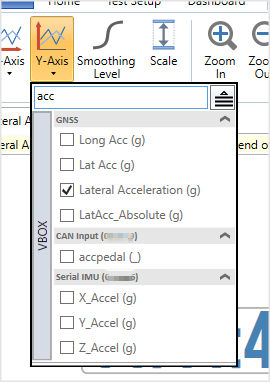
- Channels are now listed in ‘groups’, with the ability to search by channel name.
Channel groups may be collapsed or expanded by using the arrows next to the group name.
All groups may be collapsed or expanded simultaneously using the icon that appears next to the Search bar at the top of the channel list.
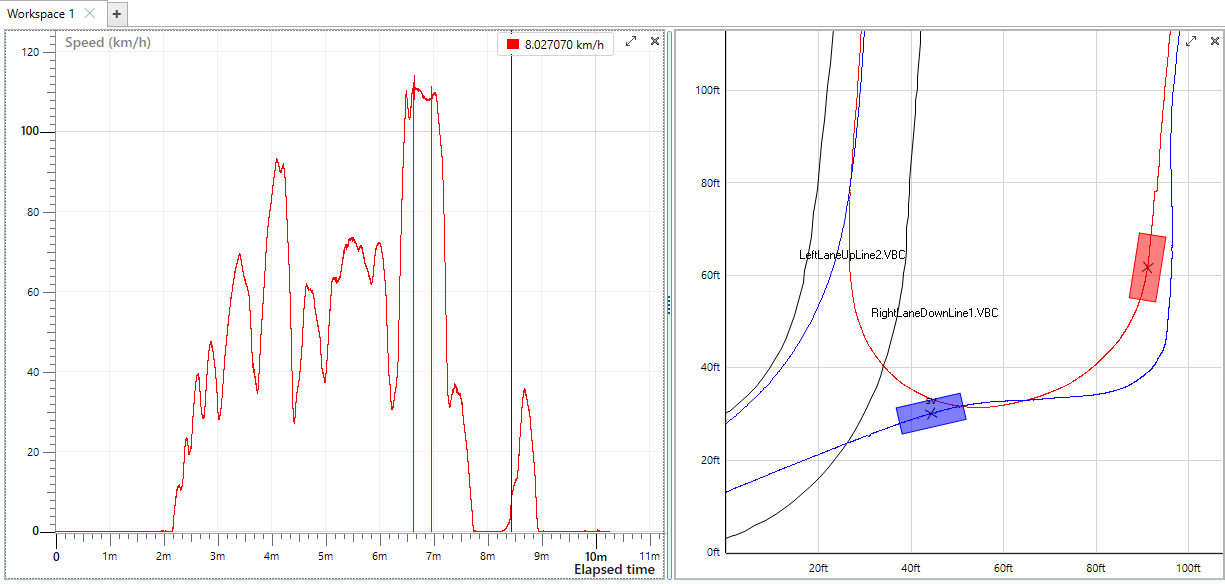
- The position of VBOX subject and target(s) is now visible on the map in both online and offline modes.
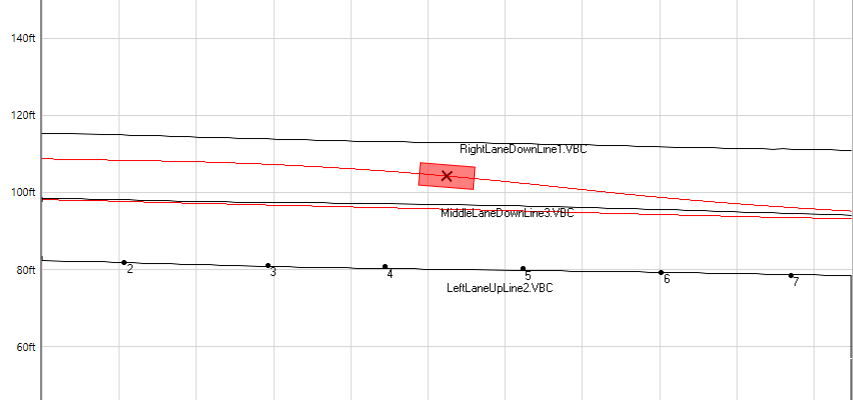
- ADAS elements are now displayed on the map if present in the VBB file
ADAS elements from a loaded .vbb file will be visible on the map, such as:- Lines (i.e. lane edges)
- Static Targets
- Sign Posts
ADAS elements can be hidden or recoloured in the ‘Path/Outline’ area on the ‘map’ ribbon tab.
- Include configured channels in VBOX Serial output directly in VBOX Test Suite
When you are in online mode with VB3i (V3 firmware) and VB3i ADAS, any configured channel can be selected and included in the VBOX serial output without the need to use VBOX Setup. - FIPS-compliant encryption
VBOX Test Suite uses only ‘FIPS-compliant’ encryption algorithms. - Video is now available in ‘Custom Test’
Previously, the video could only be seen in ‘Workspace’. - The Cut feature can be used on more than one file
The ‘Cut’ feature can now be used when multiple files are open – open files will be cut simultaneously. - Interim Condition Location
Double-clicking on an ‘interim result’ column cell now sets the cursor to that location in the chart. This makes it easy to see where an interim condition has occurred.
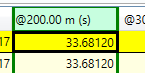
- File Info for VBB files is available in the File menu.
This information includes diagnostics data and lets you add a custom scale and offset to the logged channels. - Coastdown GTR15 plugin improvements, including:
- Optimized report to reduce width
- Added ‘Overlapping Judgement’ validation
- Prevent blank columns in the Excel export
- Prevent merged cells appearing in results tables when output to Excel
- Include dates within the report header
- Allow more data to fit on the page
- R51 Pass-By Noise - added End Line Offset configuration option.
This is to allow the test to end after the end line. - Improvements to the Park Assist plugin
- Added extra channels that compute the angle difference between the body heading of the vehicle and the parking lines.
- Performance of the live map improved.
- Amendments to the Coastdown SAE J2263 plugin
It will adhere to recent regulation changes to reduce wind speed tolerances. - Performance improvements for ‘map’ and ‘dashboard’ when in online mode.
This is to reduce the likelihood of UI lag when you are running long tests. - Chart display improvements for data that crosses UTC midnight or is more than 24 hours long.
- The latest VB3i drivers are now available via Windows Update
- Time Events can be marked on the chart and used in test conditions.
- You can save .vbb files as .vbo files.
The Save As feature in the File menu allows you to save a loaded .vbb file as a .vbo file. This is useful if you need to convert a .vbb file to a .vbo file.
Bug Fixes
- Issues when accessing online mode on the Windows 7 operating system.
- Loading a .vbc lane file with 3 points causes the lane to jump on the map.
- Save to .vbo function now informs you if the disk is full.
- Zoom and cursor position were lost after changing the smoothing when in a Test Plugin.
- Interim results were incorrect when crossing UTC midnight for Custom Tests.
- Brake Test - an issue with Corrected Distance for when the end speed is not 0 has been fixed.