
To save a full scene file (.SCN) out of Video VBOX Setup, load the scene into the main view window, and select:
File → Export scene.
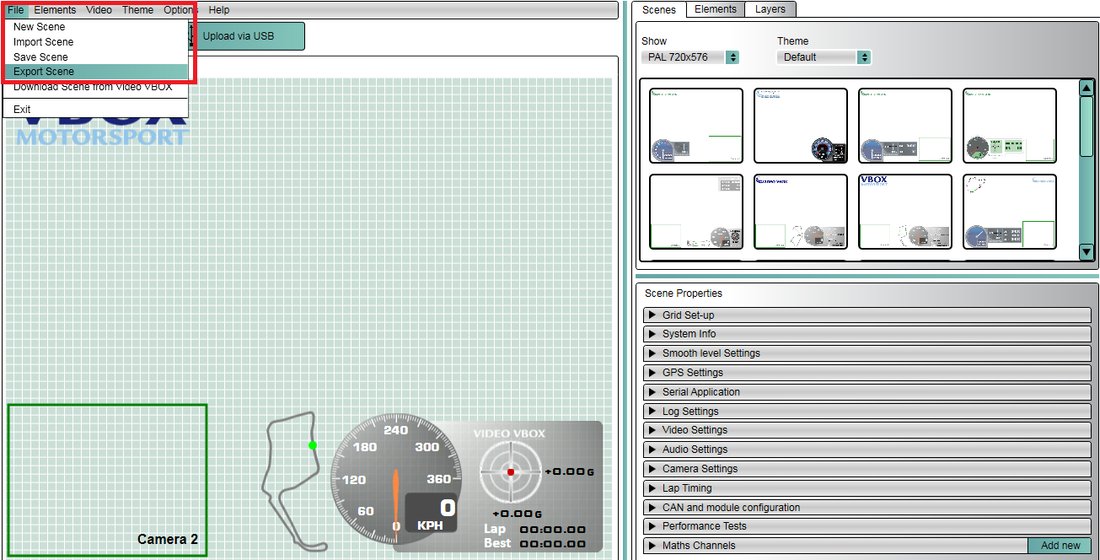
This allows you to save the compressed scene file to a location anywhere on your PC which is useful to use when sharing scene files, as this can then be attached to an email or loaded onto a USB stick.
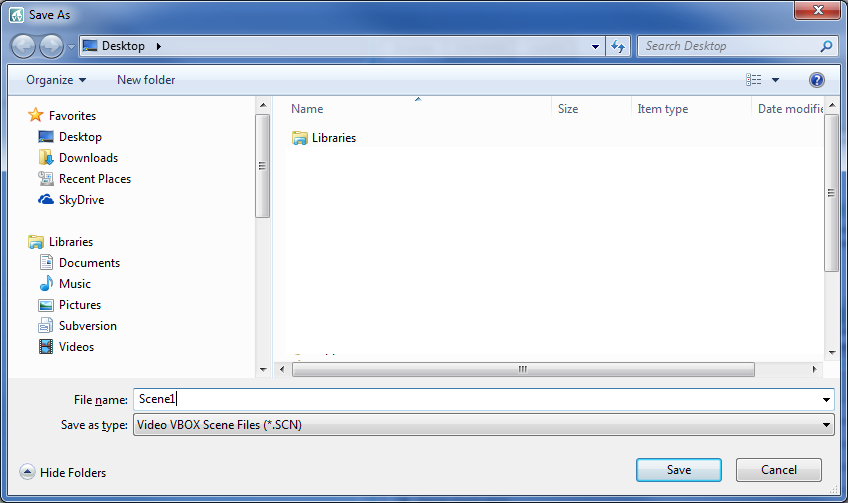
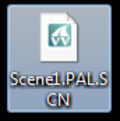
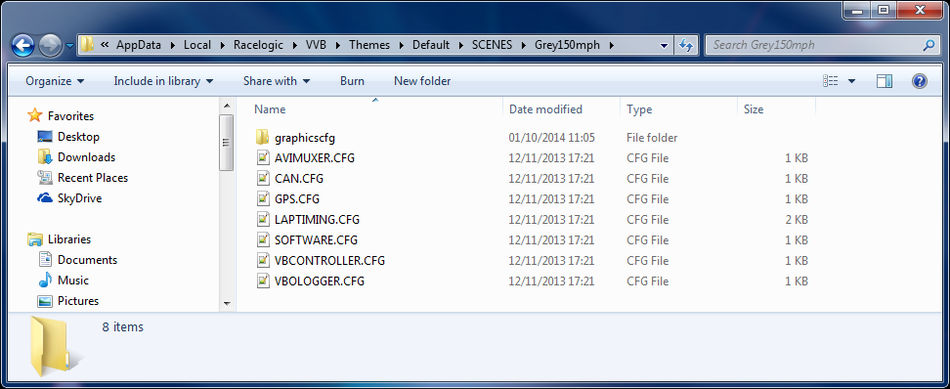
The scene files which are saved in the software are broken down into component files and saved in the locations specified below. Accessing these files will be helpful when transferring all saved scene files between PC's, or making a backup of all saved files.
NOTE
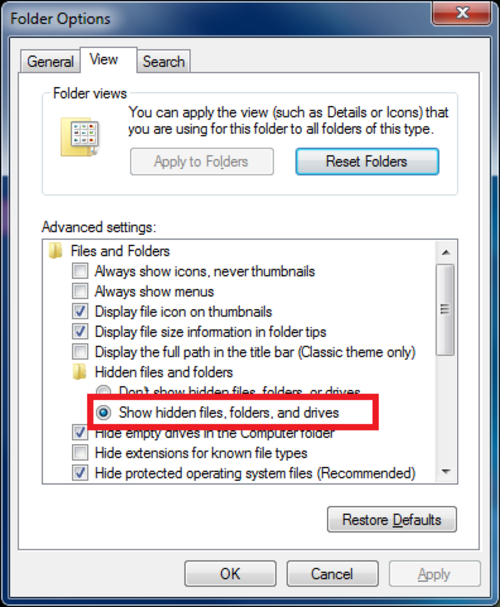
Some of these locations are in system folders and may be 'hidden', so to view them, you will need to go to Control Panel → Folder Settings → View and make sure that the 'Show hidden files and folders' option is selected.
Depending on what operating system you are running on your PC and what version of VVB Setup you were running, the component files will be stored in different location - see below.
| OS | Location |
|---|---|
| Windows 8 Windows 7 Windows Vista | C:\Documents and Settings\FULL USER NAME\Local Settings\Application Data\Racelogic\VVB\Themes |
| Windows XP | C:\Documents and Settings\FULL USER NAME\Local Settings\Application Data\Racelogic\VVB\Themes |
| OS | Location |
|---|---|
| Windows 8 Windows 7 Windows Vista | C:\ProgramData\Racelogic\Video VBOX\Video VBOX Setup\Themes |
| Windows XP | C:\Documents and Settings\All Users\Application Data\Racelogic\Video VBOX\Video VBOX Setup\Themes |
If you aren't sure which version you're running, click Help>About within Video VBOX Setup for version information.