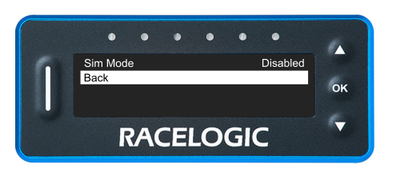
This page contains information about the Sim Menu and the Sim Mode feature in VBOX LapTimer (RLVBLAP-R and RLVBLAP-S).
The Sim Mode forces the VBOX LapTimer to load and save reference laps via the SD card.
This is required when a VBOX LapTimer is connected to the VBOX Sim software, as it will change from LapTimer Mode to OLED Mode. In OLED Mode, the reference laps are normally loaded and saved via serial from a VBOX unit.
Sim Mode is Disabled by default.
Press the OK button with Sim Mode highlighted to toggle between Enabled/Disabled.
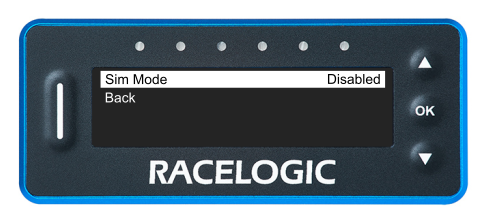
The Sim Mode forces the VBOX LapTimer to load and save reference laps via the SD card.
This is required when a VBOX LapTimer is connected to the VBOX Sim software, as it will change from LapTimer Mode to OLED Mode. In OLED Mode, the reference laps are normally loaded and saved via serial from a VBOX unit.
Sim Mode is Disabled by default.
Press the OK button with Sim Mode highlighted to toggle between Enabled/Disabled.
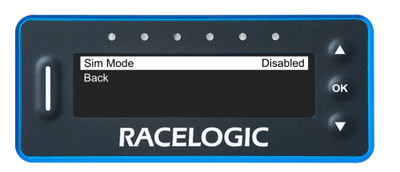
Press the OK button with this option highlighted to return to the Main Menu.
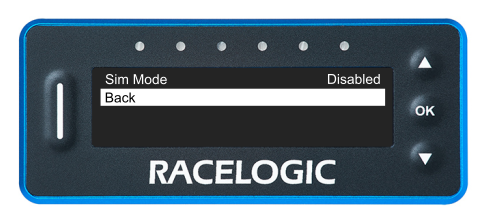
Press the OK button with this option highlighted to return to the Main Menu.