
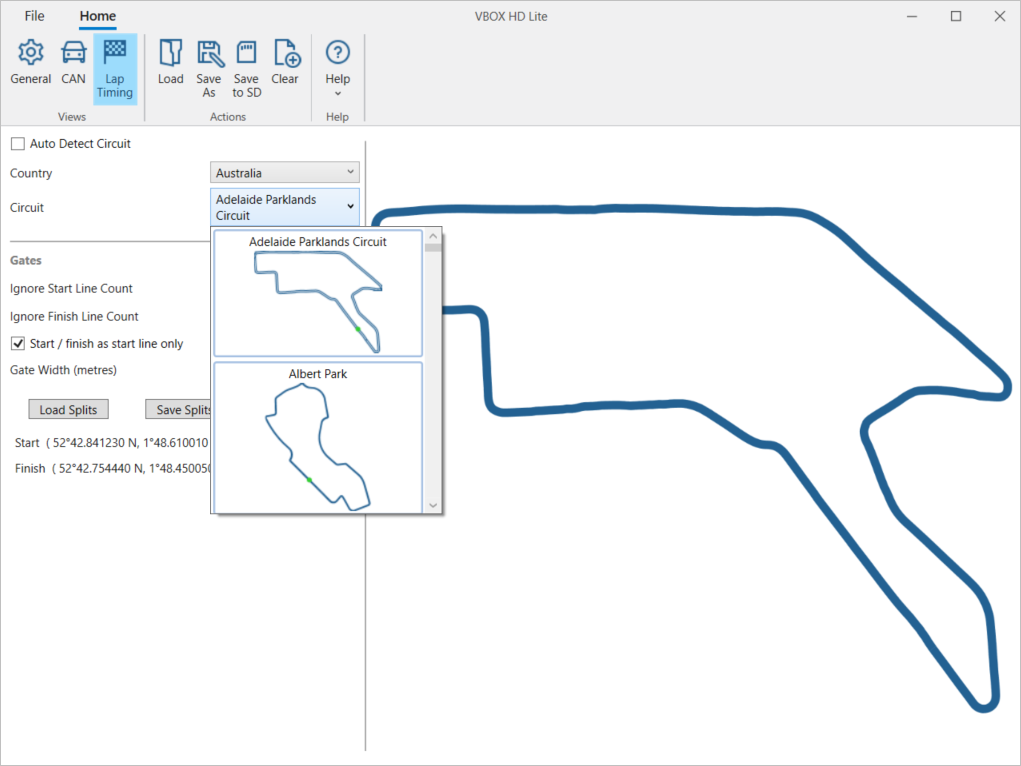
The Lap Timing menu gives you the option to select a circuit and configure the gates.
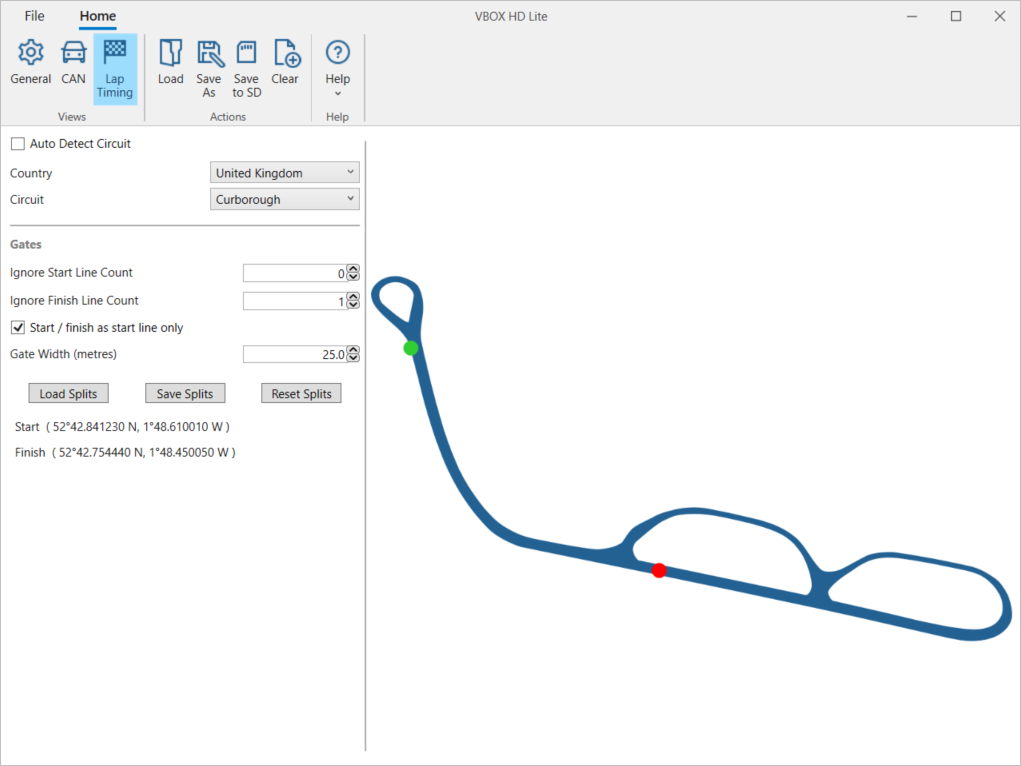
Tick this box to let your VBOX HD Lite auto-detect the circuit you are at.
When you have enabled this feature, you will have limited options for configuring the gates. These options are described in more detail further down on this page.
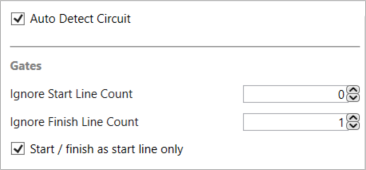
Tick this box to let your VBOX HD Lite auto-detect the circuit you are at.
When you have enabled this feature, you will have limited options for configuring the gates. These options are described in more detail further down on this page.
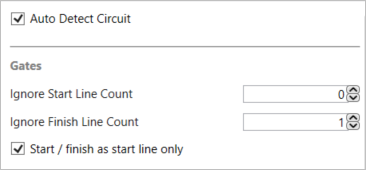
This option will be visible when Auto Detect Circuit is disabled.
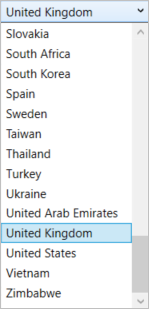
Open the dropdown menu to select the country your circuit is in. This will populate the list of relevant circuits for that country.
This list is based on the Circuit Database that has been installed with your VBOX HD Lite setup software.
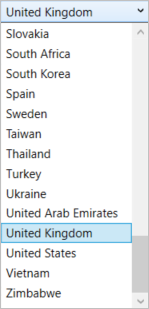
This option will be visible when Auto Detect Circuit is disabled.
Open the dropdown menu to select the country your circuit is in. This will populate the list of relevant circuits for that country.
This list is based on the Circuit Database that has been installed with your VBOX HD Lite setup software.
This option will be visible when Auto Detect Circuit is disabled.
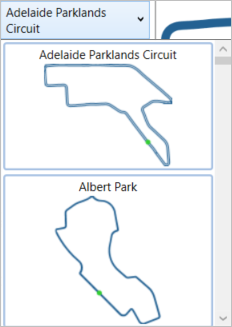
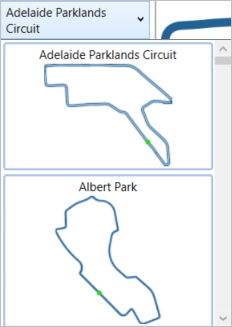
Open the dropdown menu to select the circuit you are configuring VBOX HD Lite for. You will see a list of relevant circuit based on the selected country, along with an image of each circuit.
This list is based on the Circuit Database that has been installed with your VBOX HD Lite setup software.
This option will be visible when Auto Detect Circuit is disabled.
Open the dropdown menu to select the circuit you are configuring VBOX HD Lite for. You will see a list of relevant circuit based on the selected country, along with an image of each circuit.
This list is based on the Circuit Database that has been installed with your VBOX HD Lite setup software.
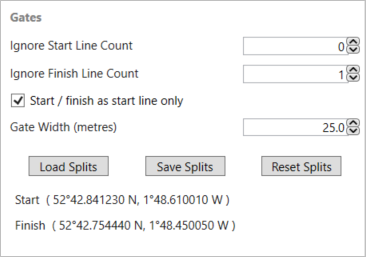
Set how many times you want the unit to ignore the start line.
In situations where you will cross the start line before the lap timing should start, you can enter a value of 1 (or more) in this box to set the number of times you can cross before VBOX HD Lite starts the lap timing.
Set how many times you want the unit to ignore the finish line.
For some sprint races, two physical laps are taken into account to produce one lap time. You can use this setting to stop the VBOX HD Lite from reacting when you cross the finish line by entering a value of 1 (or more) in this box to set the number of times you can cross the line before you finish.
Tick this box to use the start/finish line as just the start line. This is useful if you, for example, intend to do a prolonged test around a track where you would be crossing the start/finish line multiple times but don't want the lap to finish.
Adjust the width of the gates on your circuit.
This option is particularly useful if HD Lite is not detecting the correct number of laps. When you are racing at a very narrow circuit, where the pit lane is right next to the start line, it could be possible to trigger lap timing in the pit lane and give an incorrect number of laps.
NOTE
This option is only available when you are setting the circuit manually.
Click this button to load a Split file of previously configured splits to your VBOX HD Lite unit. This will launch a File Explorer pop-up where you can navigate to the location of your split file, select it and click Open.
NOTE
This option is only available when you are setting the circuit manually.
Click this button to save a Split file of the currently configured splits to your device. This will launch a File Explorer pop-up where you can navigate to the location in which you wish to save your split file and name your file.
Note: This option is only available when you are setting the circuit manually.
Click this button to reset all gate settings to the default values.
NOTE
This option is only available when you are setting the circuit manually.