
This page explains how to mount VBOX Touch units and connect the required components for operation.
Ensure all connections are secure before using the unit.
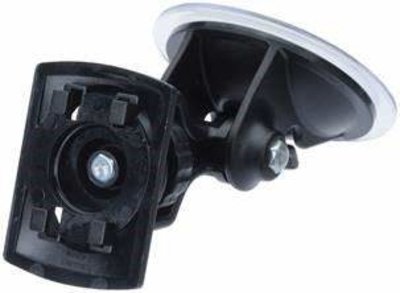
VBOX Touch is supplied with a Swivel Neck Richter Suction Mount (RLACS331) for mounting on a window or windscreen.
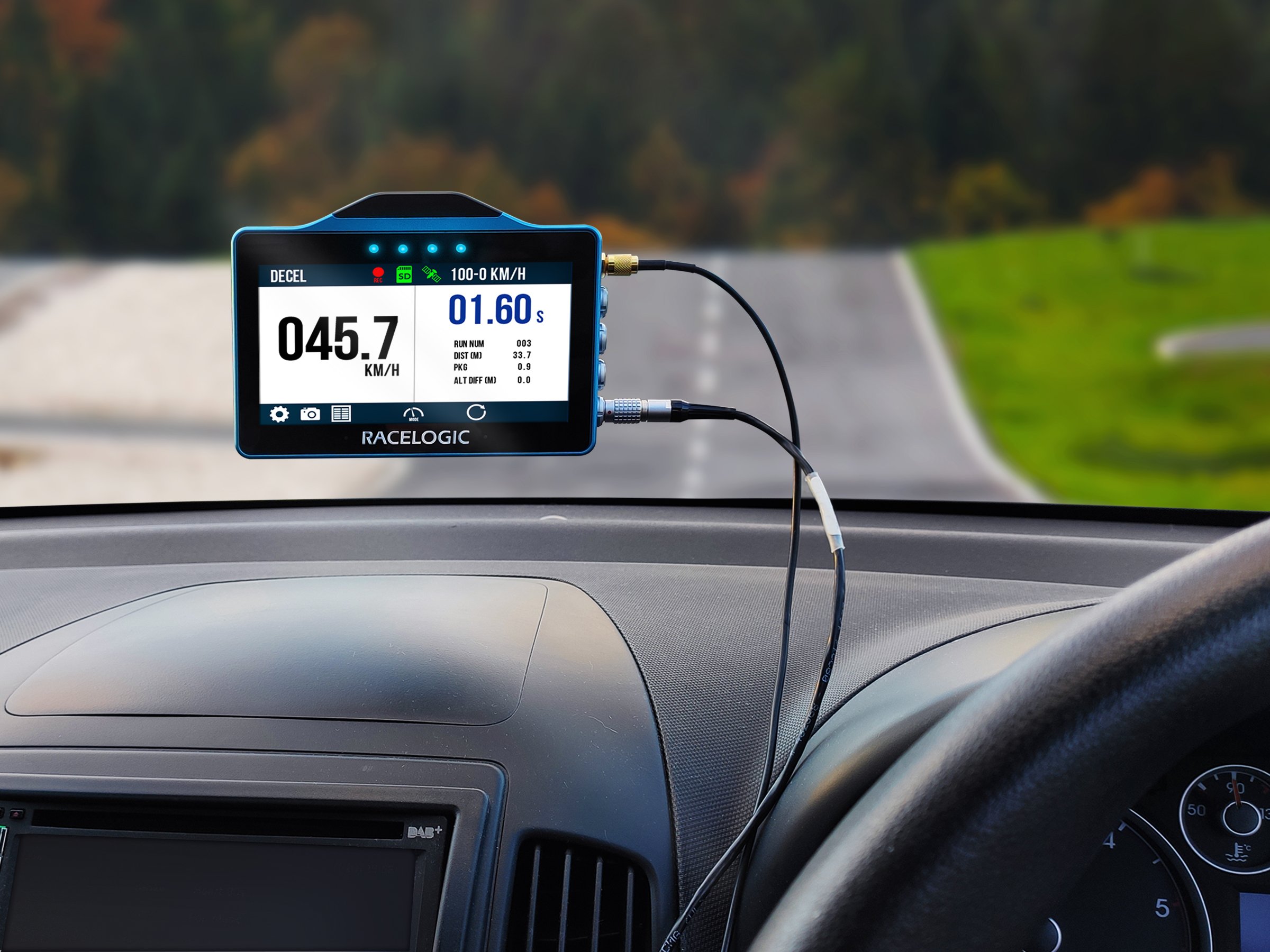
Mount the VBOX Touch securely using the supplied mounting solution.
Position the unit so that:
- the screen is clearly visible
- it does not obstruct the driver’s view
- it remains stable during vehicle movement
Choose a mounting location that allows easy access to the touchscreen while keeping the unit securely in place.
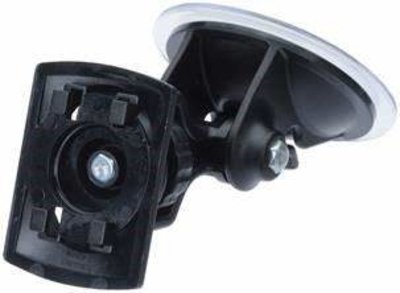
VBOX Touch is supplied with a Swivel Neck Richter Suction Mount (RLACS331) for mounting on a window or windscreen.
Mount the VBOX Touch securely using the supplied mounting solution.
Position the unit so that:
- the screen is clearly visible
- it does not obstruct the driver’s view
- it remains stable during vehicle movement
Choose a mounting location that allows easy access to the touchscreen while keeping the unit securely in place.
NOTE
VBOX Touch also has a ¼ 20 TPI UNC screw thread on the back of the unit for compatibility with alternative mounting solutions.
The unit has an internal antenna, which is likely to be sufficient in open environments. However, for reliable and repeatable results, especially when used inside a vehicle, we recommend using the external antenna.
If you are struggling to maintain a stable satellite lock, you can connect the supplied external antenna (RLACS262) to the antenna port.
Place the GNSS antenna with a clear view of the sky.
For best performance:
- mount the antenna on the vehicle roof where possible
- avoid placing it under metal surfaces or inside enclosed areas
- ensure the antenna is securely positioned to prevent movement during testing
Correct antenna placement is critical for accurate and repeatable results.
Refer to the GNSS Antenna Placement article for more information about best practices for antenna placement.
NOTE
For Brake Trigger Tests, you must use the external antenna.
Connect the VBOX Touch to a suitable power supply using the supplied power cable.
The unit will power on automatically when connected.
Ensure the power connection is secure before use.
Connect the GNSS antenna to the antenna port on the unit.
Ensure the connector is fully secured to maintain a reliable signal.
VBOX Touch can be connected to external systems via CAN or serial interfaces.
Ensure the correct signals and configuration are used before connecting.
Refer to the CAN Bus Settings page for more information about the CAN ports and options and the Serial Port Settings page for more information about the Serial ports and options on VBOX Touch.
CAUTION
Connect to the vehicle CAN bus at your own risk. Incorrect connection may cause damage to the vehicle or the device.
Insert the SD card into the SD card slot before use.
All logged data is stored on the SD card.
- Do not attempt to configure or navigate menus while driving.
- Only perform brief, single interactions with the touchscreen when it is safe to do so (for example, marking an event or capturing a screenshot).
- Always prioritise safe vehicle operation.
- Ensure the unit is securely mounted and does not obstruct the driver’s view.
- Route all cables so they do not interfere with vehicle controls.