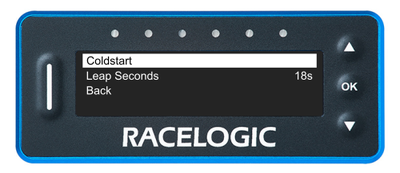
Press the OK button with this setting highlighted to perform a GNSS coldstart.
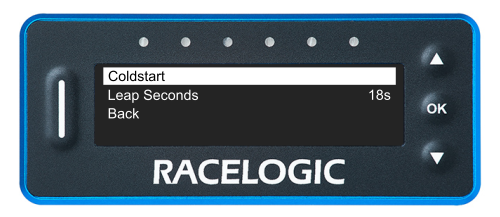
Press the OK button with this setting highlighted to perform a GNSS coldstart.
Press the OK button with this setting highlighted to enter the value screen.
Use the Up and Down buttons to increase or decrease the number of leap seconds to a value between 1 and 60.
Press the OK button to confirm the selected value and return to the GNSS Menu.
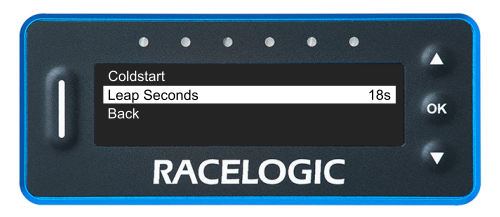
Press the OK button with this setting highlighted to enter the value screen.
Use the Up and Down buttons to increase or decrease the number of leap seconds to a value between 1 and 60.
Press the OK button to confirm the selected value and return to the GNSS Menu.
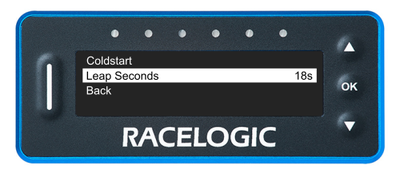
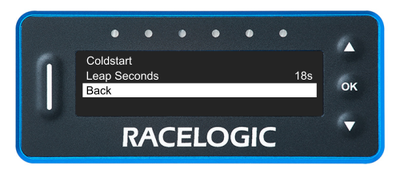
Press the OK button with this option highlighted to navigate back to the Main Menu.
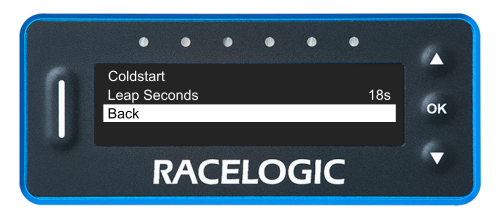
Press the OK button with this option highlighted to navigate back to the Main Menu.