
LabSat 3 will output an NMEA string via the rear USB port during replay. To view the NMEA data the LabSat 3 must be connected to a PC via an A to B USB cable, for this connection to be successful the LabSat 3 drivers must be installed on the PC being used. LabSat drivers can be downloaded from the ‘Software & Firmware’ page on the LabSat website.
Alternatively, NMEA data from LabSat 3 is also broadcast on Pin 17 of the expansion port (RS232 pin) when not assigned for RS232 recording/replay. This is also present on LabSat 3 units that do not contain valid RS232 licences, allowing you to draw the NMEA from the expansion port alongside other signals, such as 1PPS.
When a replay is started the NMEA output will automatically begin, at this point the user needs to open a terminal program, and for this example, Tera Term will be used.
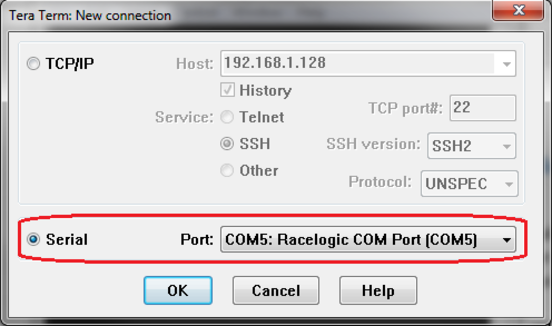
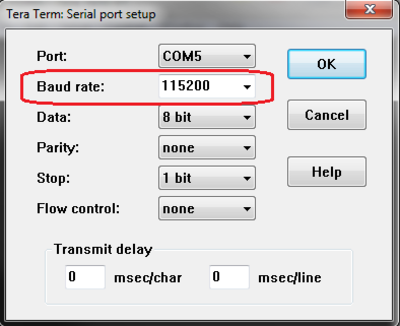
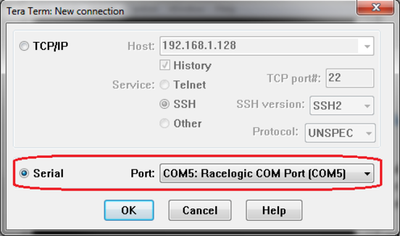
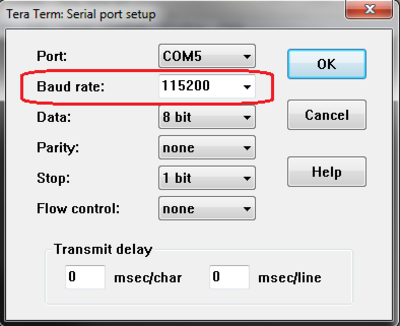
Open the terminal program and select the COM being used by LabSat 3. Once connected ensure that the baud rate is correctly configured, 115200.
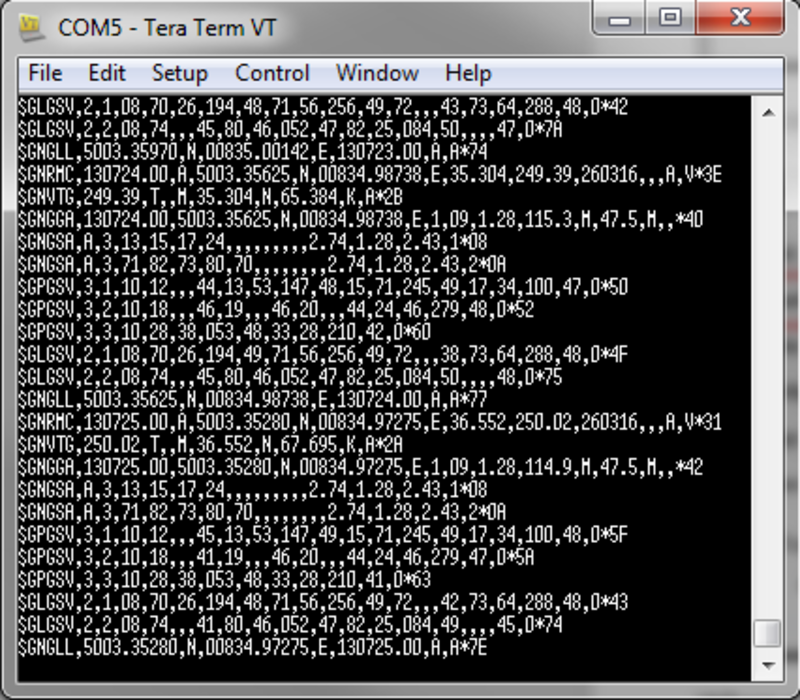
When successfully configured the NMEA string will be displayed as seen below.
For information regarding the NMEA output format, refer to the ‘What is the NMEA output format during a LabSat 3 replay’ article in the LabSat 3 Knowledge Base.