
If you encounter issues accessing LabSat 4 or LabSat 3 Wideband via Ethernet, you may resolve the problem by enabling insecure guest logons.
How to enable access to the internal SSD:
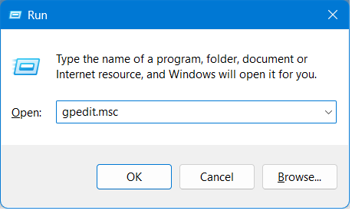
- Press Win + R to open the Run dialogue.
- Type
gpedit.mscand click OK.
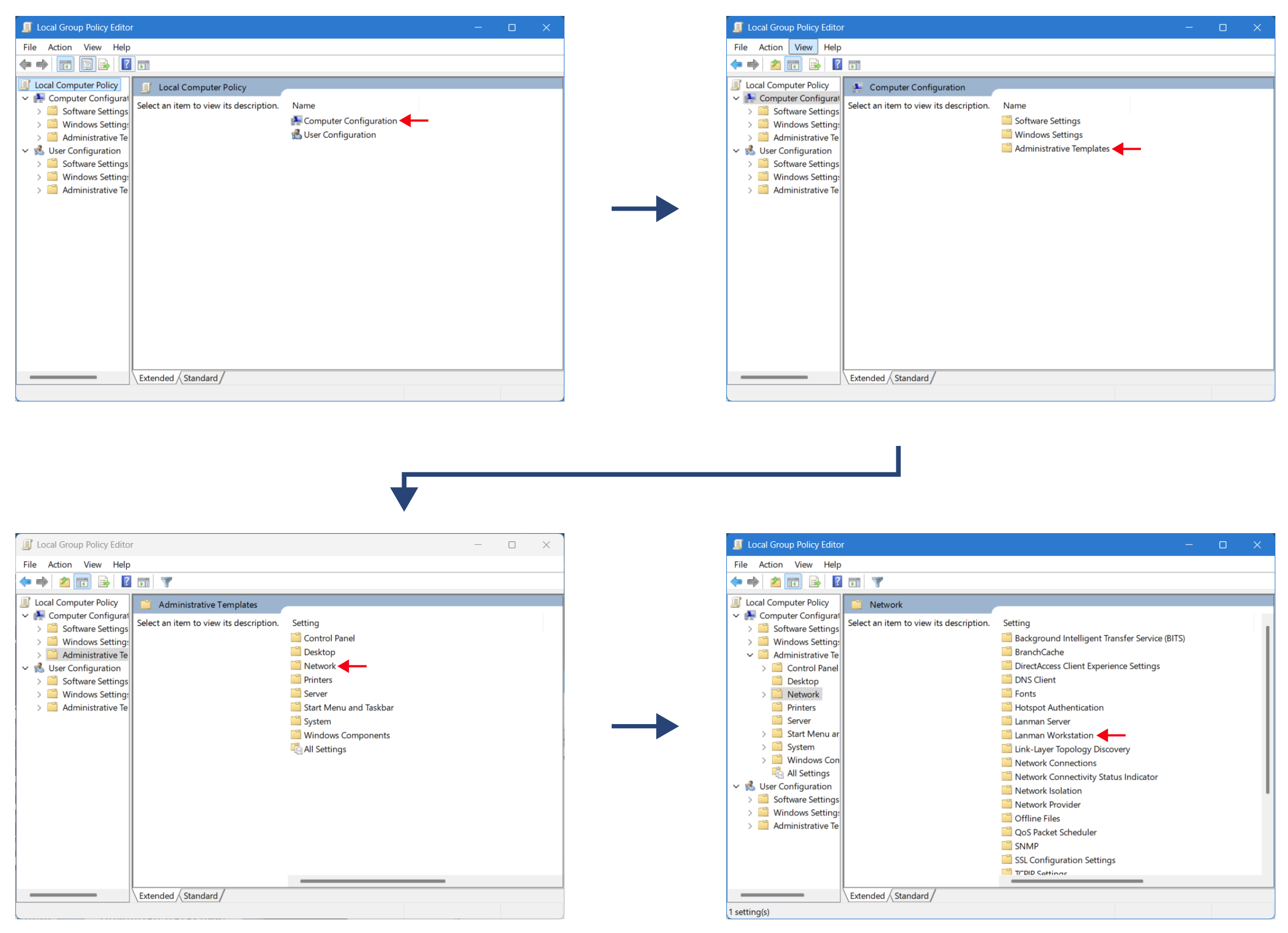
- In the Local Group Policy Editor, navigate to:
Computer Configuration → Administrative Templates → Network → Lanman Workstation
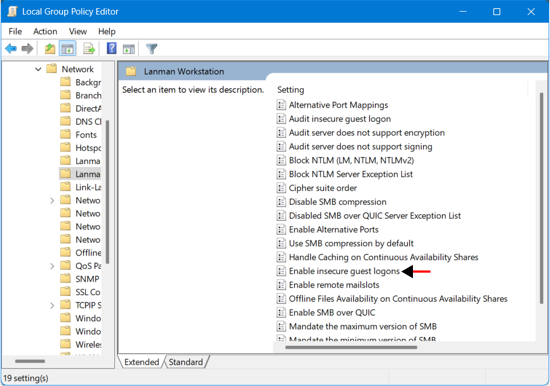
- Open Enable insecure guest logons.
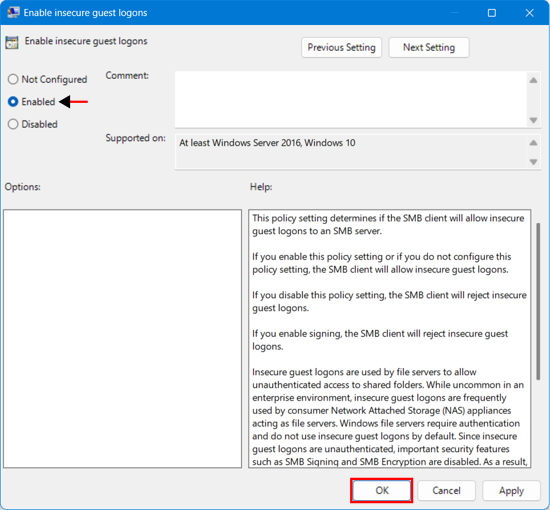
- Select Enabled and click OK.
Once this policy is applied, you should be able to access the internal SSD.
If you are still having issues, contact Racelogic Support.